The 7-Day Sweet Spot: Balancing Micro Tasks and Macro Goals
In personal productivity, choosing the wrong time horizon is the primary cause of scheduling anxiety. Planning only day-by-day blinds you to mid-week bottlenecks, while planning month-by-month is too abstract for granular execution.
The 7-day week is humanity's most durable psychological rhythm: work builds momentum toward mid-week peaks, followed by weekend recovery. Navigating this rhythm requires a dedicated 7-day visual overview.
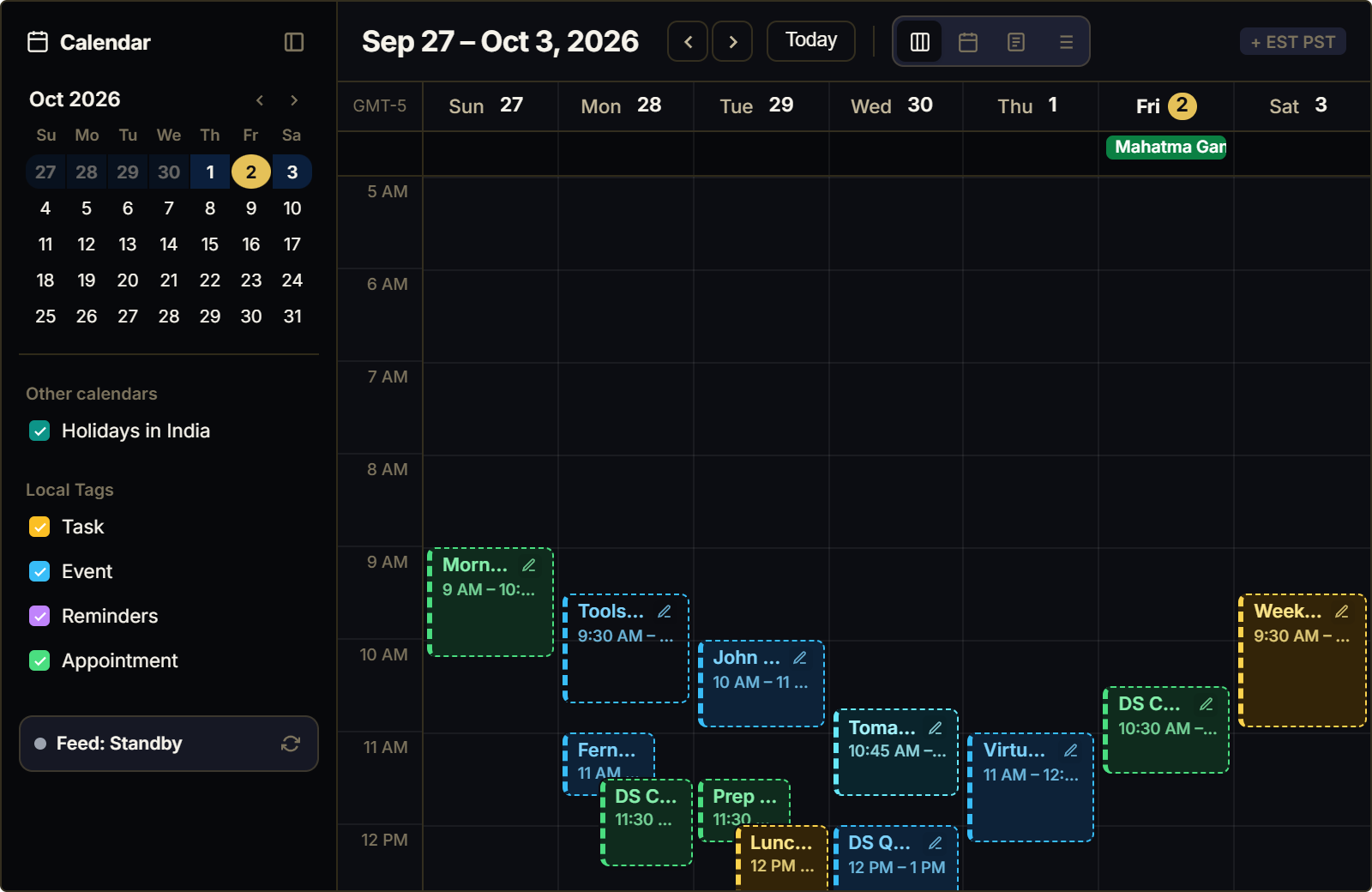
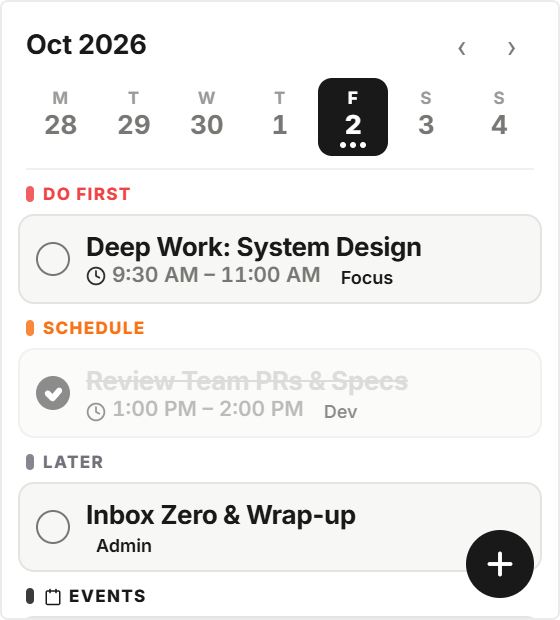
The Weekly Agenda Planner maps your entire week as an interactive horizontal strip, giving you simultaneous awareness of yesterday's progress, today's focus, and tomorrow's upcoming deadlines.
Horizontal Spatial Flow: Designing for Modern Widescreen Monitors
Most Notion workspaces are viewed on widescreen monitors, yet conventional vertical to-do lists leave vast amounts of horizontal space empty.
The 7-day agenda strip maximizes widescreen efficiency: Monday through Sunday are laid out in a balanced horizontal row with today's column prominently highlighted.
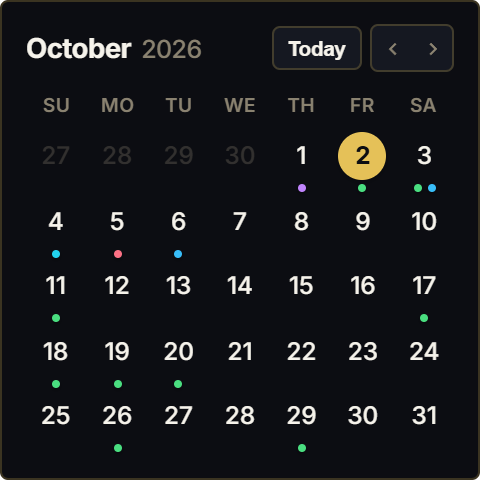
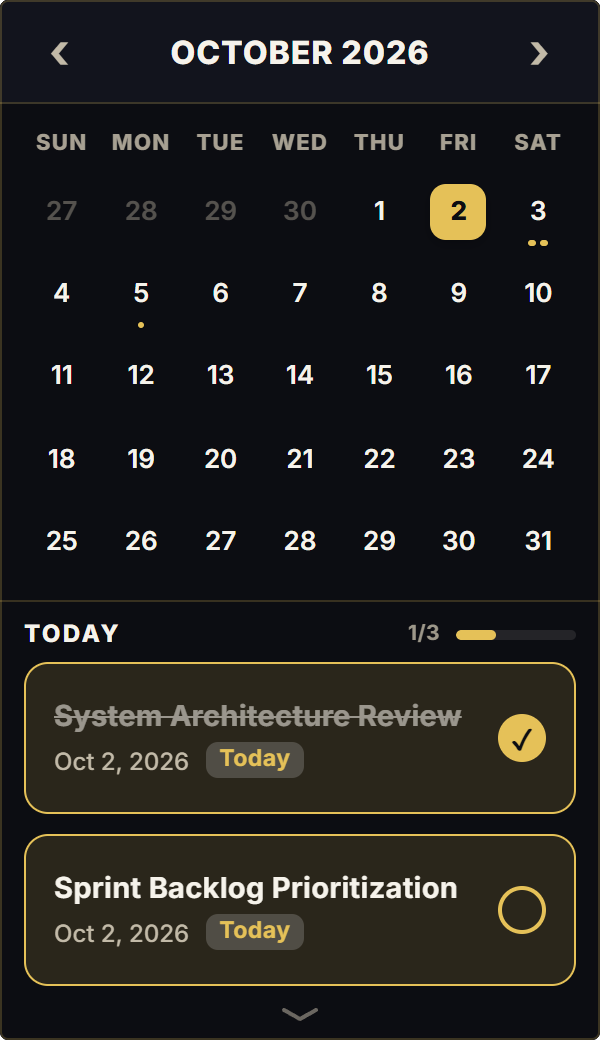
Subtle visual indicator dots let you see at a glance which days carry heavy commitments without opening nested database cards.
4 Weekly Planning Frameworks for Notion
The Monday Morning Runway Scan
Inspect the 7-day strip every Monday morning to identify high-density meeting days versus uninterrupted deep work blocks.
The Mid-Week Balance Adjustment
On Wednesday afternoon, evaluate completed deliverables across Mon-Wed; reallocate remaining tasks across Thu-Fri to prevent Friday panic.
Weekend Decompression Buffering
Visually protect your Saturday and Sunday columns on the agenda strip to establish clear boundaries between deep work and rest.
Event Dot Prioritization
Use indicator dots to mark client milestones, exam dates, or personal commitments on specific weekdays.
Architectural Breakdown: 7-Day Agenda Strip vs. Vertical Task Tables
Why horizontal weekly agenda strips provide clearer time-boxing context than vertical database lists:
Complex Two-Way Sync Bots
OAuth credential tokens and schema dependency risks