Commercial Widget Library
Configure, theme, and export 100% static, royalty-free aesthetic widgets bundled into your Notion templates anywhere — Gumroad, Etsy, Whop, Lemon Squeezy, Stan Store, personal sites, or client workspaces.
Sign In to Access Creator Dashboard
Sign in with the Google account you used to purchase your Commercial Creator License.
You're on a Personal Workspace Plan
Your current plan allows unlimited personal workspaces, but does not include redistribution rights to bundle widgets in templates sold on Gumroad or Etsy. Upgrade to get your official Creator Token and Certificate.
1-year commercial rights & updates
Permanent commercial license forever
All Widgets
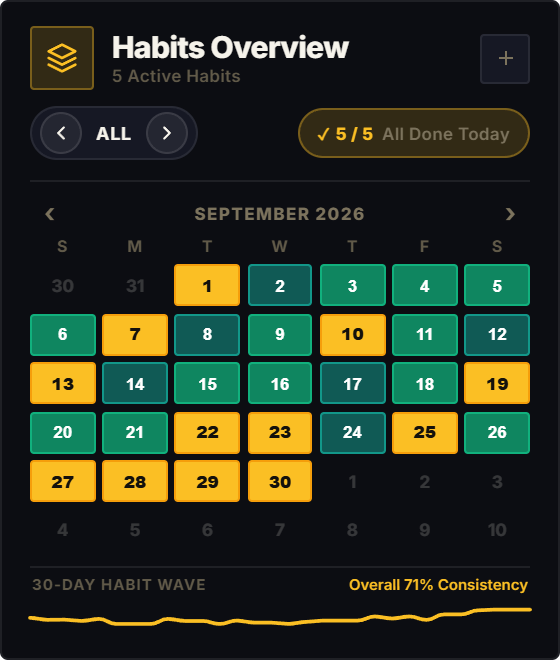
Track daily habits with a monthly calendar heat map. Click Today or tap any date to log a completion, and use the arrows to flip through your habit stack.
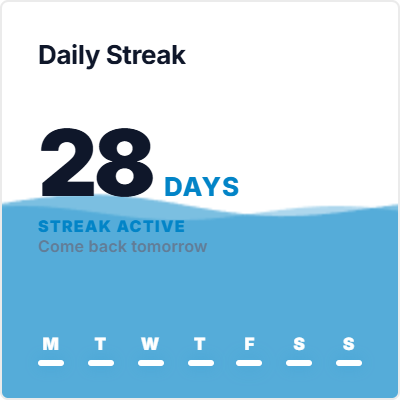
A simple daily streak tracker that fills with water as you check in each day. Tap the card every morning to add to your streak, and glance at the.
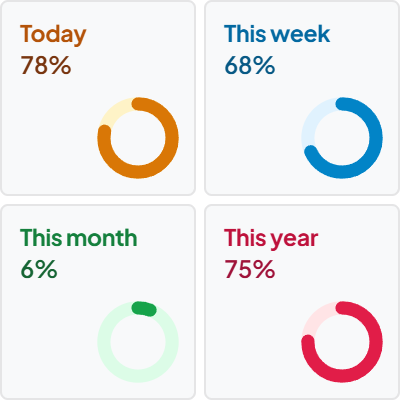
Keep track of passing time with live progress bars for Today, This Week, This Month, and This Year. Click any card to switch between percentage.
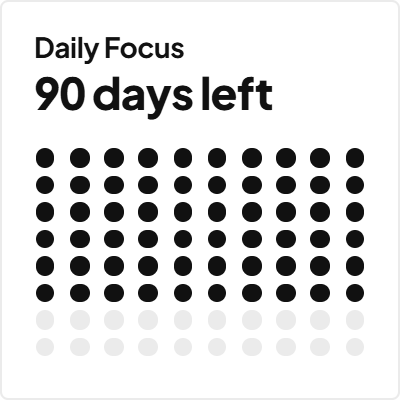
Track deadlines, exams, birthdays, and work goals in a compact multi-card grid. Set target dates for up to 4 events with live progress rings. Click.
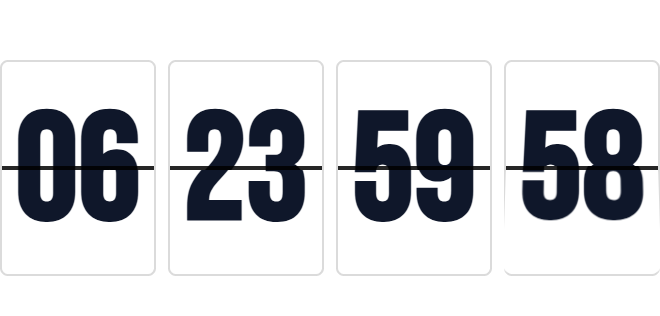
Count down to your next launch, exam, vacation, or milestone. Choose between retro mechanical flip tiles or clean slide cards right on your Notion page.
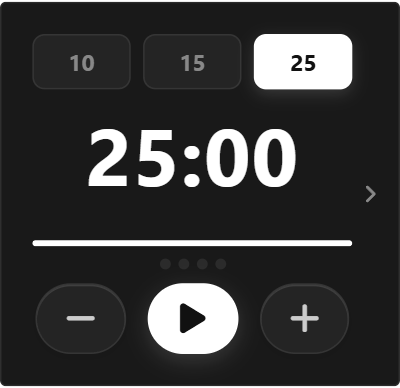
A 3-in-1 focus timer for Notion. Start 10, 15, or 25-minute Pomodoro sprints, or tap the side arrow to switch to an open stopwatch. Completed.
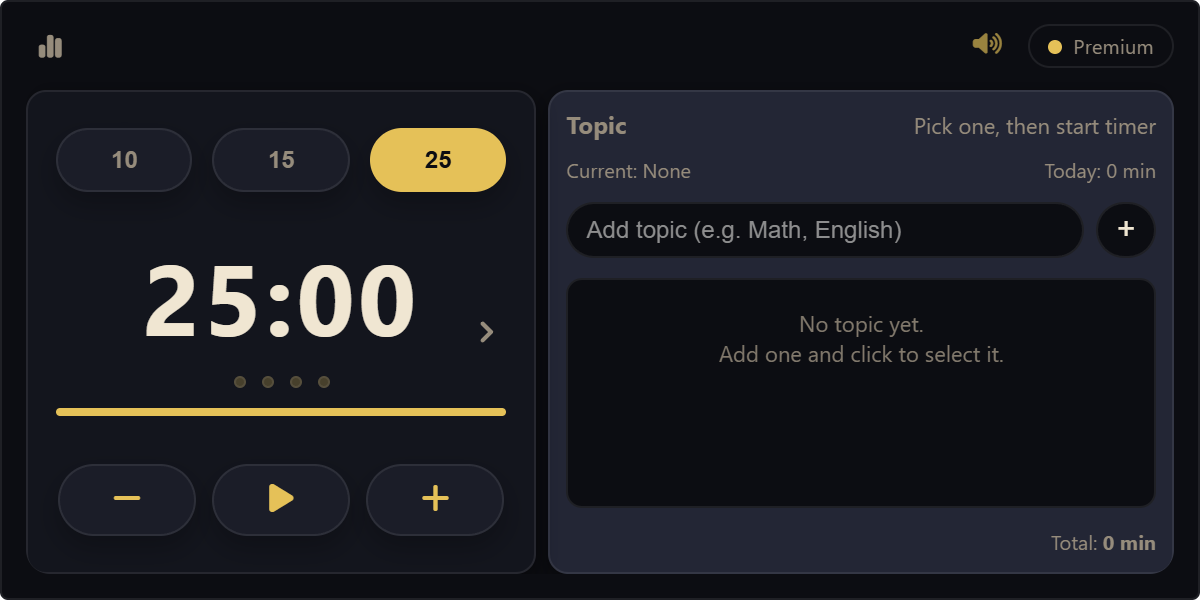
Track study and project hours by topic. Select a subject, start your focus sprint, and flip the card to see how much time you spent on each project.
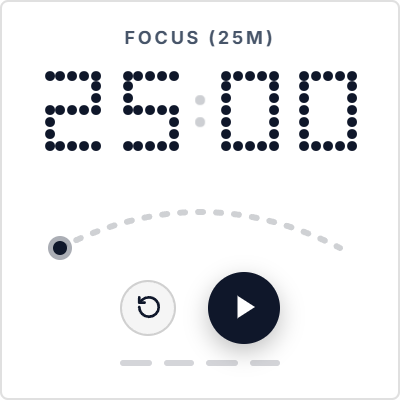
A retro LED focus timer with dot-matrix digits and a circular progress arc. Counts down your work sprints and tracks 4 completed rounds before.
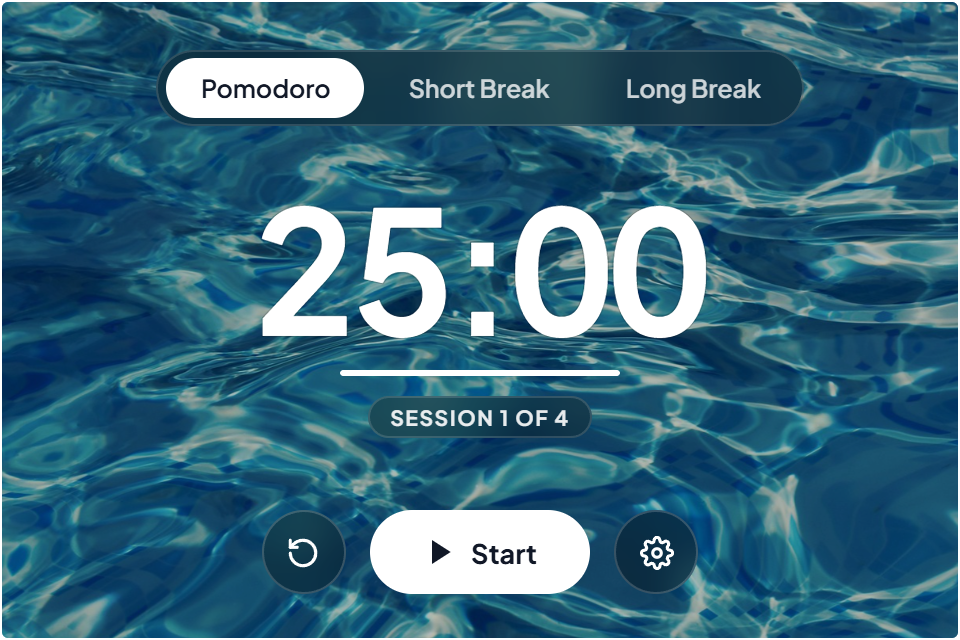
A study timer set against clean photography. Switch between 25-minute study sprints and short breaks, pick from scenic wallpapers or upload your own.
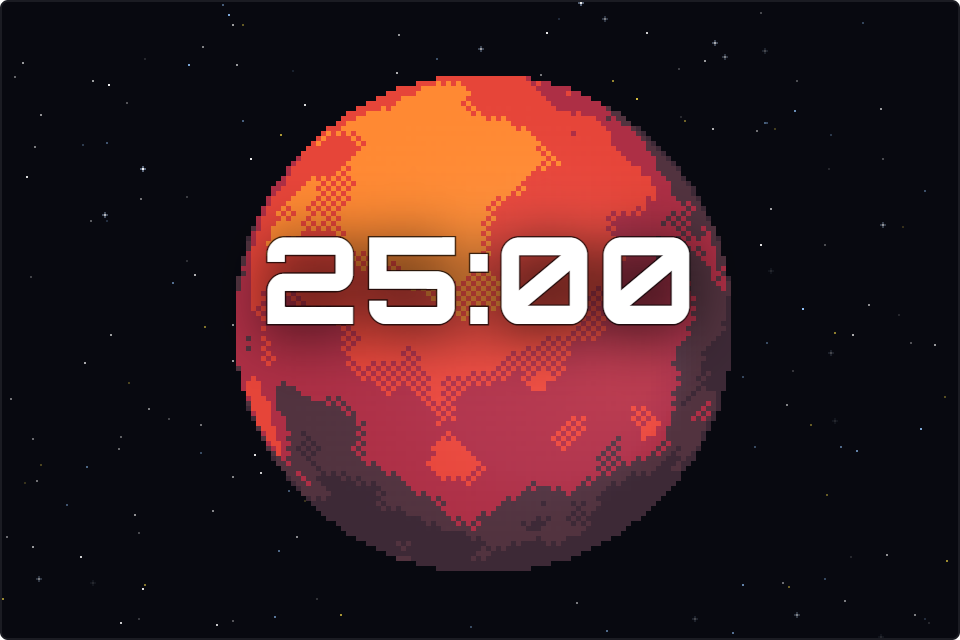
A retro space focus timer with 20 rotatable pixel art planets. Click and drag to spin worlds in 3D, toggle Zen Mode for clean ambient study, and.
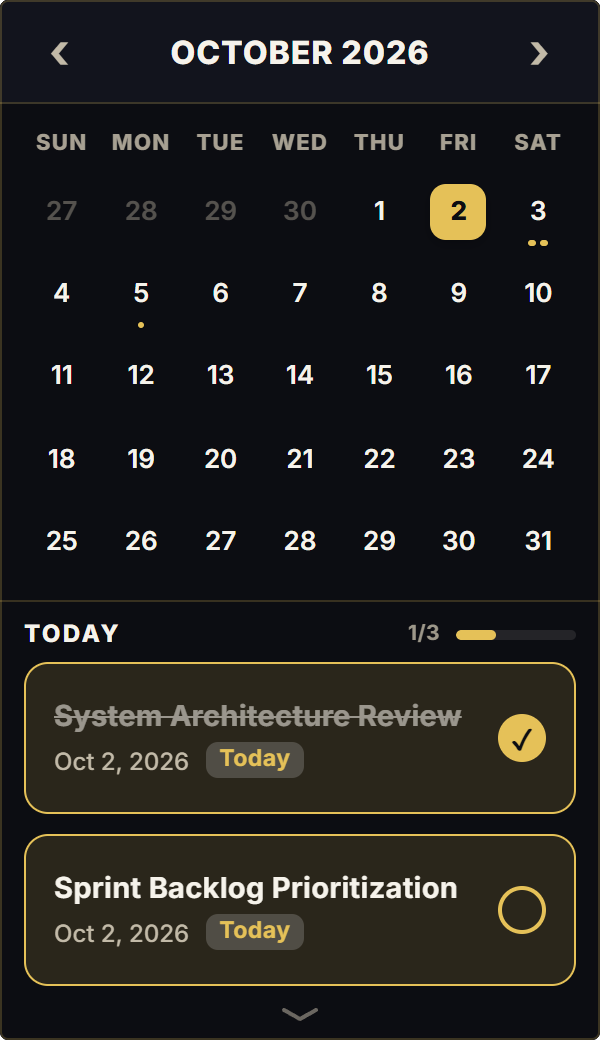
Plan your month and manage daily to-dos in one place. Tap any day on the calendar to open its task checklist, add items with one click, and drag to.
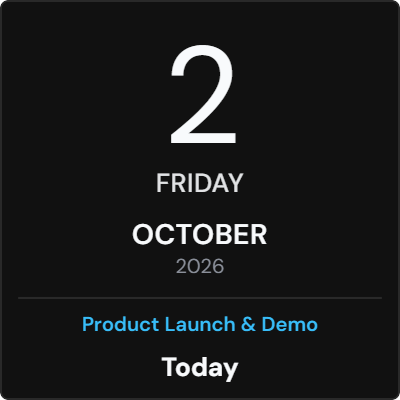
A bold date display that flips between day and month views. Click the card to flip into the full monthly grid, and click any date to add event countdowns.
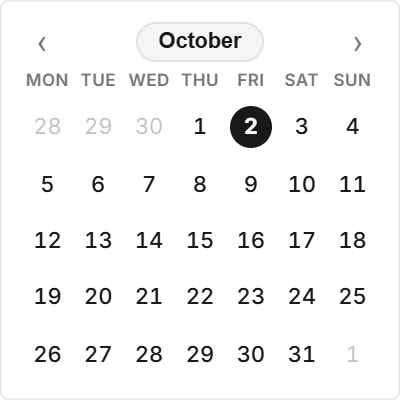
A compact, iOS-style month calendar designed for clean Notion dashboards. Click any month arrow to browse upcoming dates, or tap the month title to.
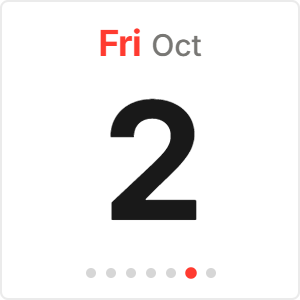
A minimalist daily date card showing the current weekday, month, and date, along with a 7-day progress indicator that tracks your week.
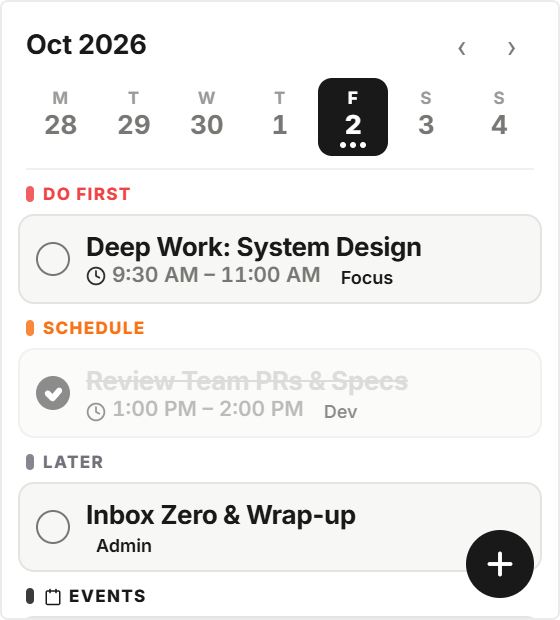
A weekly agenda with Eisenhower priority sorting. Tap the plus button to schedule tasks, assign them to Do First, Schedule, Delegate, or Later, and.
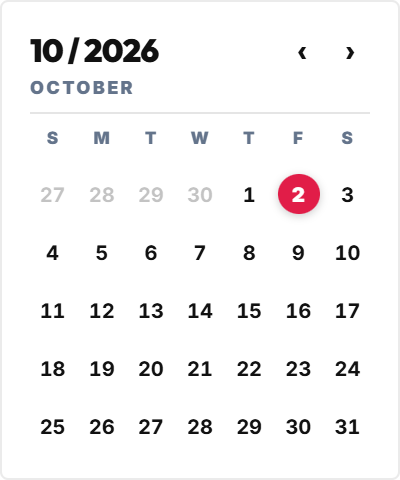
A bold Swiss typographic poster calendar featuring an oversized month header and minimalist date grid. Click the month header to jump back to today.
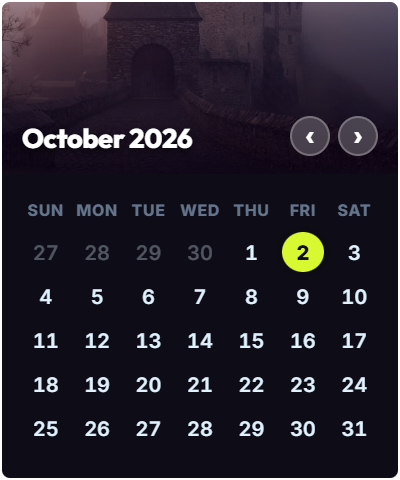
A monthly calendar paired with landscape photography. Browse upcoming months with header arrows, and pick from curated nature photo styles to match.
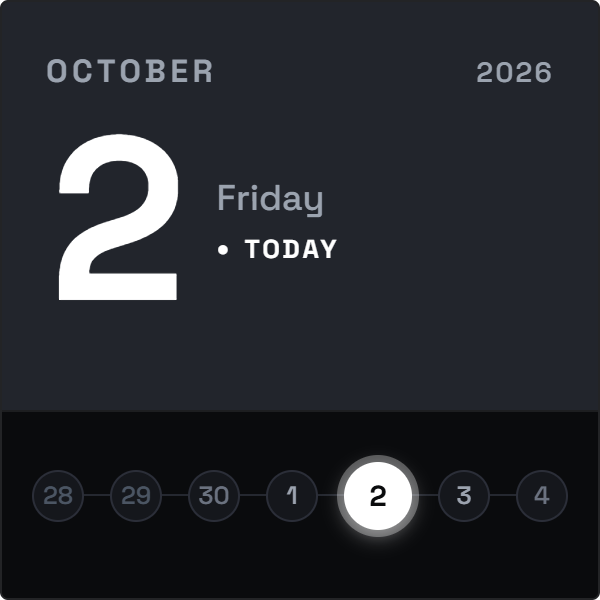
A Nothing-Tech inspired calendar with bold typography and a circle day matrix. Click any date circle to inspect it, or tap the hero number to return to today.
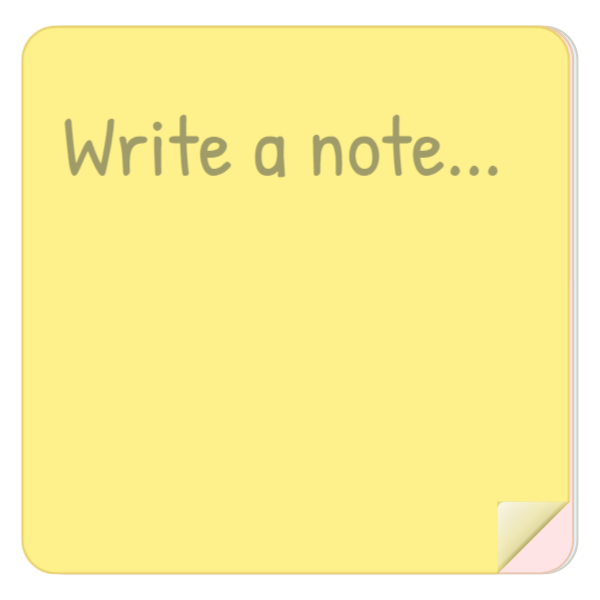
Keep quick notes and reminders on your Notion page with a 3D sticky notepad. Type directly on the paper, and drag the bottom corner to peel and tear.
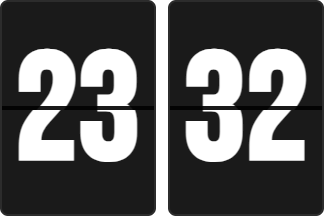
A mechanical flip clock with split-flap tiles. Double-click to toggle between 12-hour and 24-hour time, or switch between horizontal and vertical.
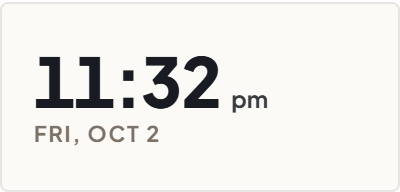
A clean digital clock for Notion headers. Double-click the numbers to switch between 12-hour and 24-hour time, and adjust corner rounding in settings.
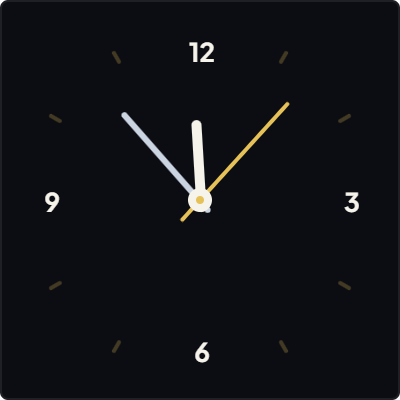
A minimalist analog clock with clean hour markers. Double-click to toggle between a smooth sweep and a 1-second tick, and adjust corner rounding in settings.
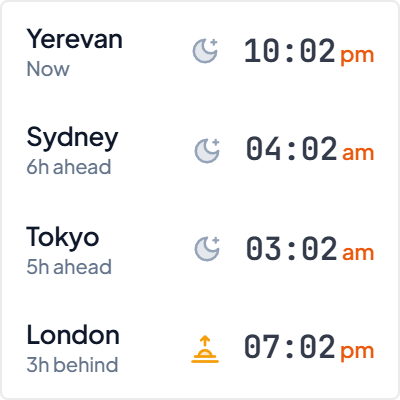
Track time across 2 to 4 world cities at once. Choose between a wide horizontal banner or a compact grid, and see UTC time differences at a glance.
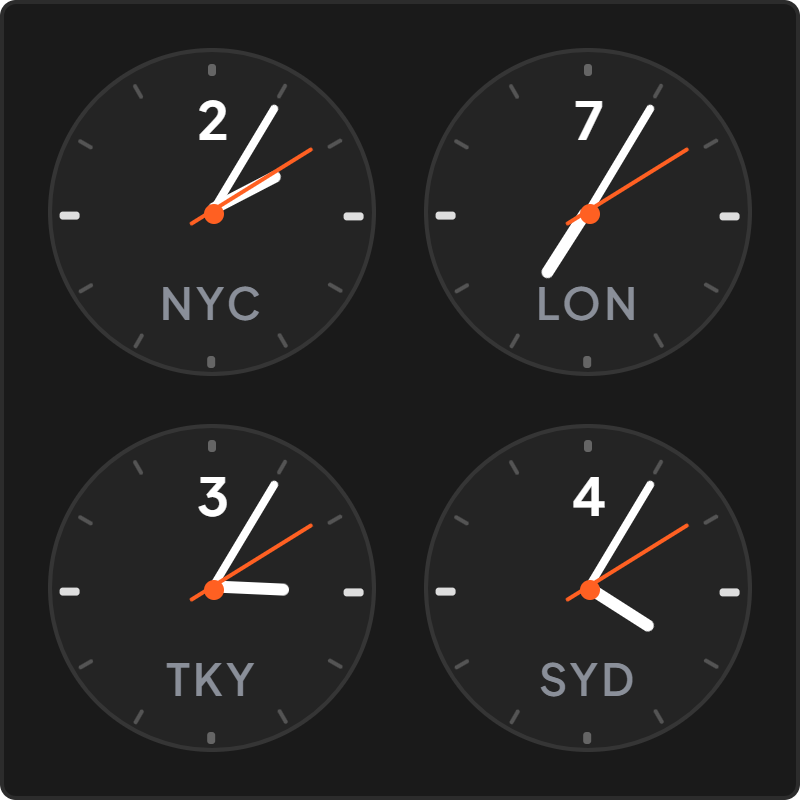
Compare time in two cities with side-by-side analog dials. Pick any two locations in settings to see local times and hour differences side by side.
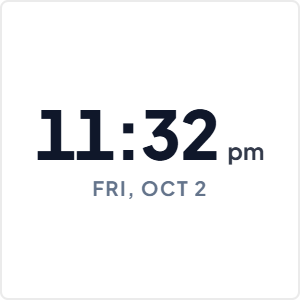
A minimalist wall clock with thin hour marks, continuous sweep hands, and a balanced circular dial.
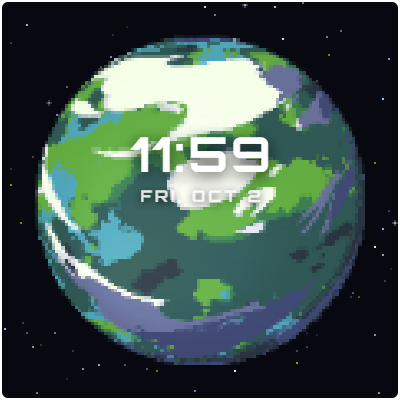
A retro pixel art clock with a rotatable planet, live date, and digital time. Click and drag the planet to spin it in 3D.
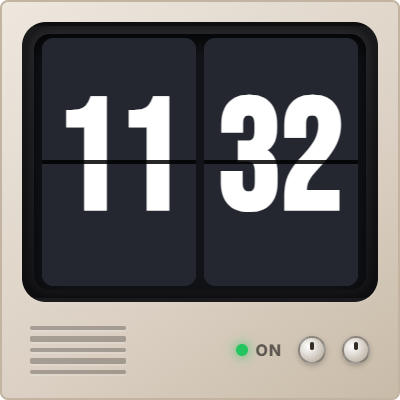
A 1984 Macintosh desktop clock with classic pixel fonts and retro window styling. Double-click the time to switch between 12-hour and 24-hour formats.
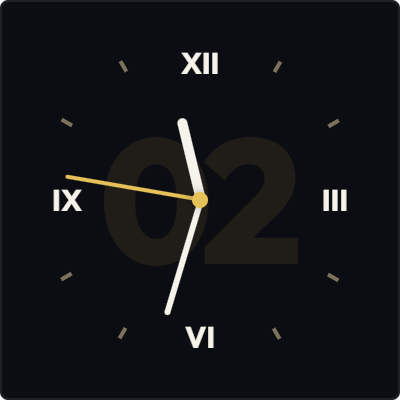
An analog clock with Roman numerals and a subtle central watermark. Double-click the dial to change the watermark font.
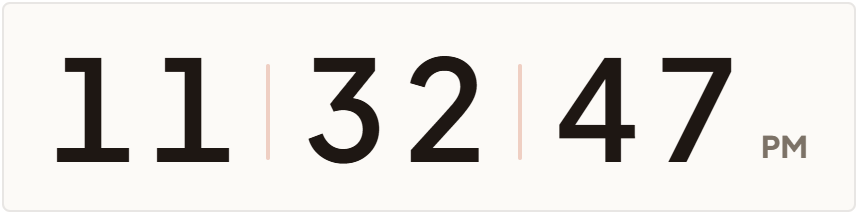
A digital clock where numbers roll vertically as seconds pass. Double-click to switch between 12-hour and 24-hour modes, or toggle live seconds in settings.
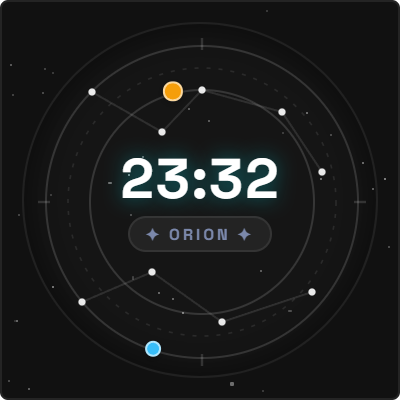
An analog clock set against rotating celestial star maps. Drag the star chart to explore constellation positions, and double-click to toggle star lines.
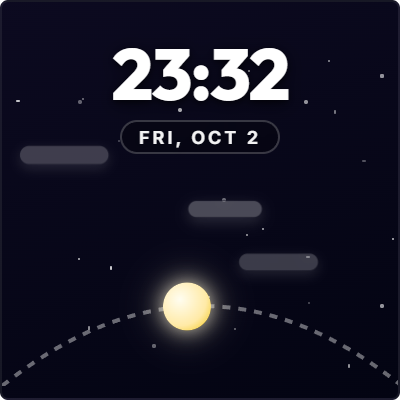
An arc clock where the sun and moon travel across the horizon throughout the day. Double-click the digital time to switch between 12-hour and 24-hour modes.
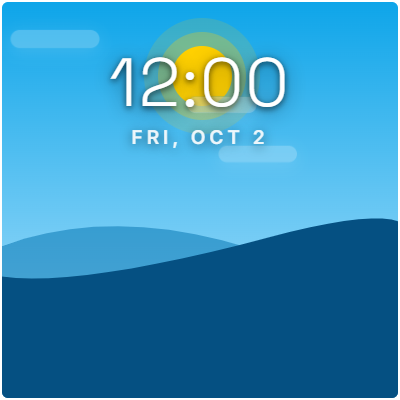
A landscape clock that transitions from sunrise to starry night as the day progresses. Features drifting clouds, an orbital sun and moon, and clean.
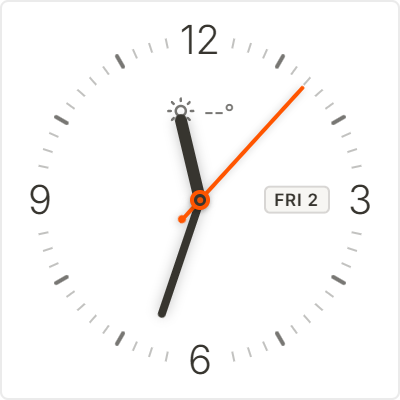
A classic luxury watch face with clean hour markers, a date window, and a signature orange second hand.
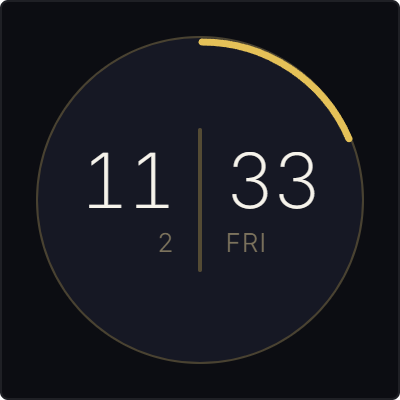
A circular clock with hour numbers on the left, minutes on the right, and a sweeping outer seconds arc. Double-click to toggle 12-hour and 24-hour modes.
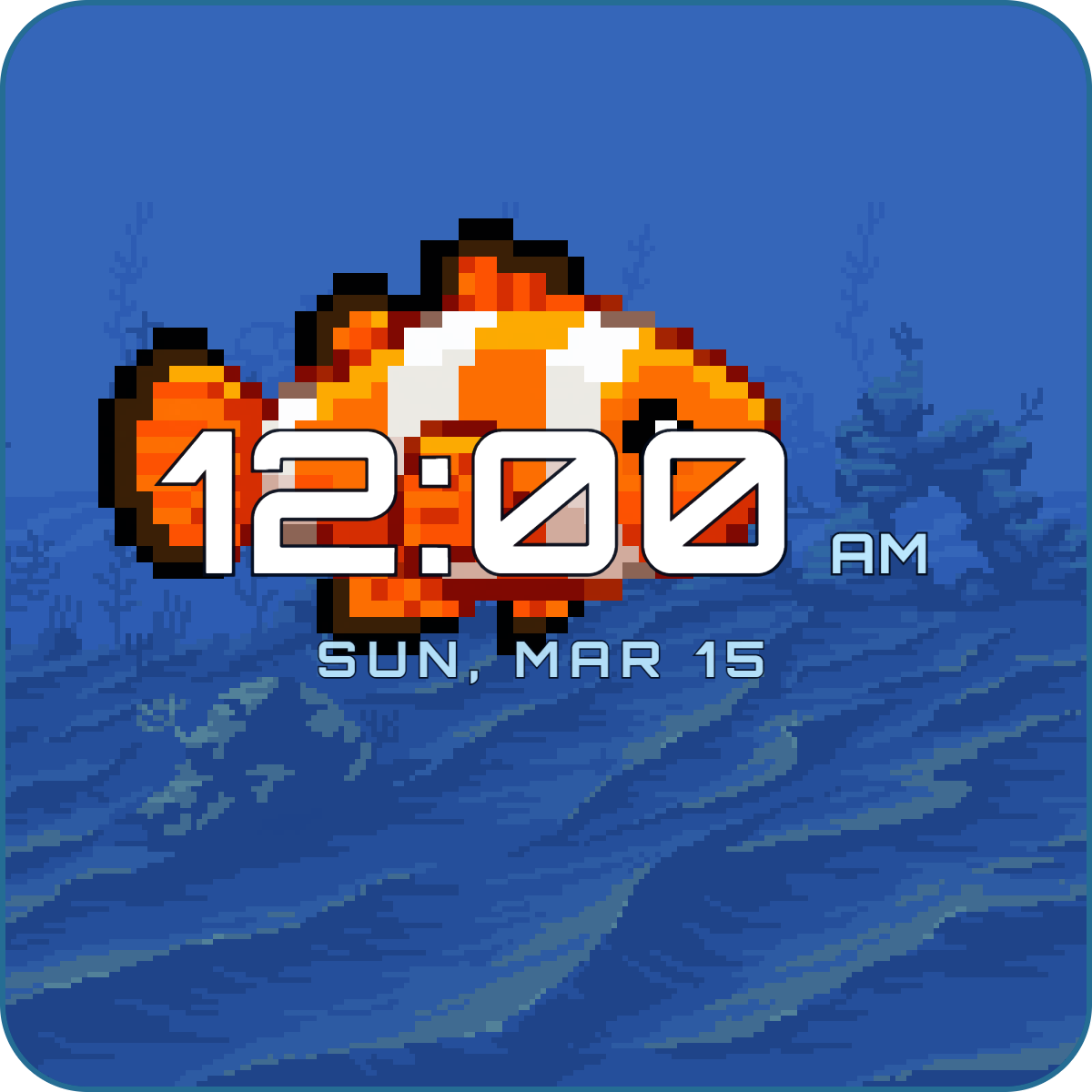
An interactive aquarium clock with swimming tropical fish and clean digital time. Tap the tank to redirect the fish, and double-click to toggle 12h/24h time.
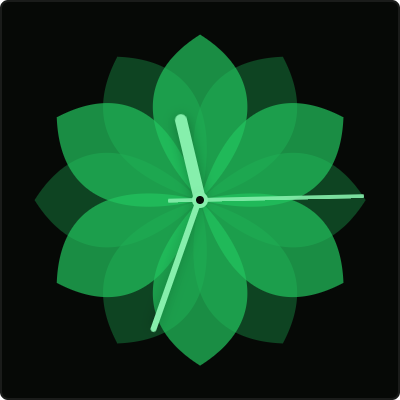
An aesthetic floral analog clock with a 12-petal blooming flower and minimalist hands. Double-click the center to toggle the second hand on or off.
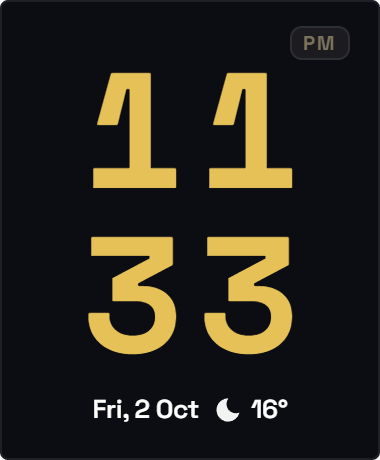
A smartphone lockscreen-style clock with stacked 2×2 digits, live date, and local temperature. Tap the weather icon to switch between Celsius and Fahrenheit.
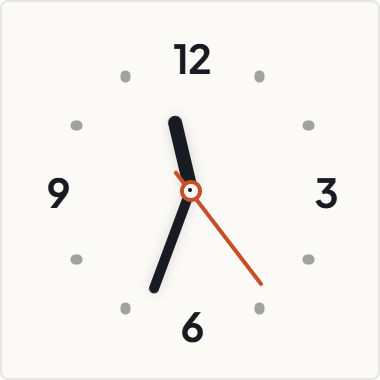
A Nordic watch face with bold numbers at 12, 3, 6, and 9, and a signature red second hand. Double-click the center to toggle between smooth sweep and ticking.
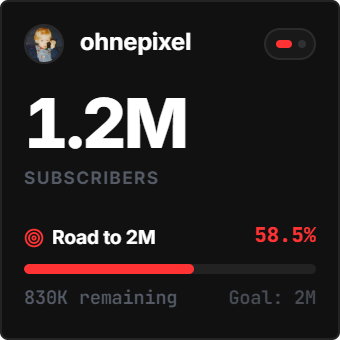
Track your YouTube channel growth in real time. Shows live subscriber counts, milestone progress towards 100K or 1M, and 7-day or 30-day view trends..
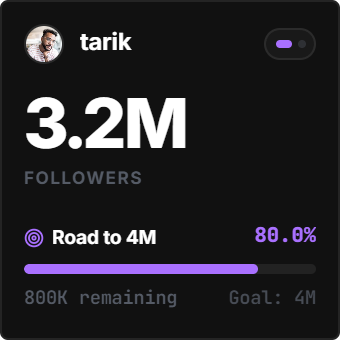
A live Twitch follower counter for streamers. Shows real-time follower counts, milestone progress bars, and streaming status pulses. Click your.
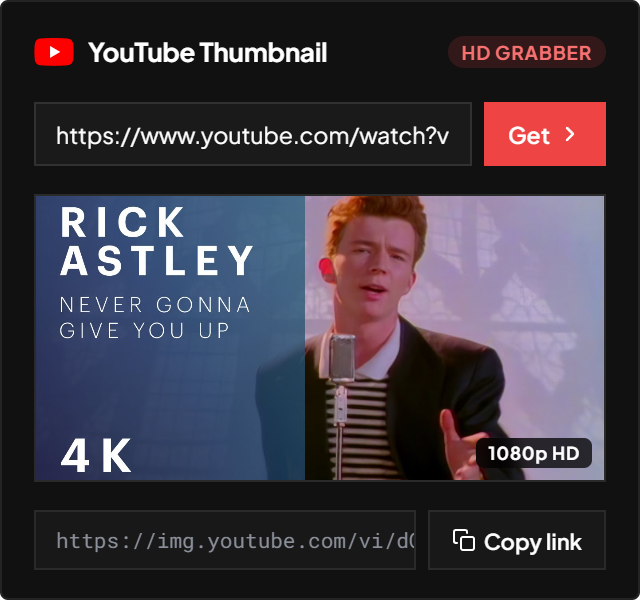
Grab high-resolution thumbnails for any YouTube video or Short. Paste a link to get the 1080p cover and copy the image URL in one click.
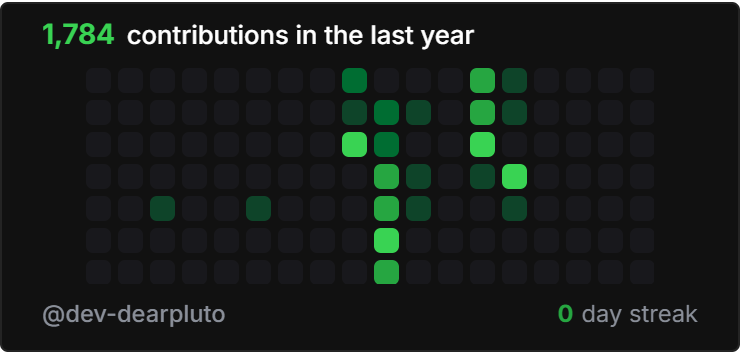
Show your GitHub commit graph and streak count on your Notion dashboard. Displays yearly commits, current streak milestones, and daily activity squares.
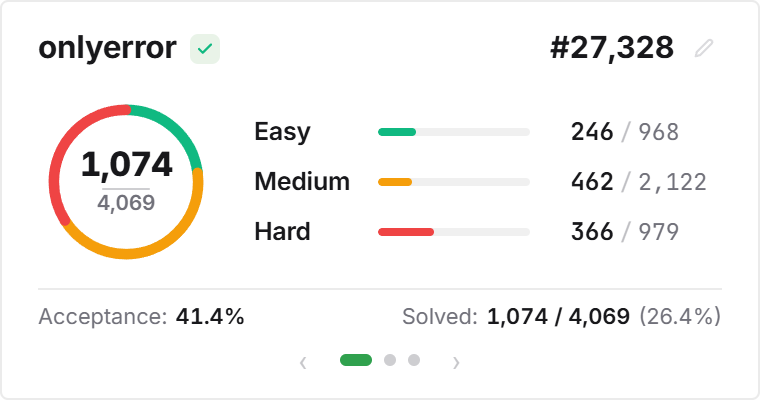
Track coding interview practice right in Notion. Displays your LeetCode solved count, Easy / Medium / Hard breakdown ring, acceptance rate, and ranking.
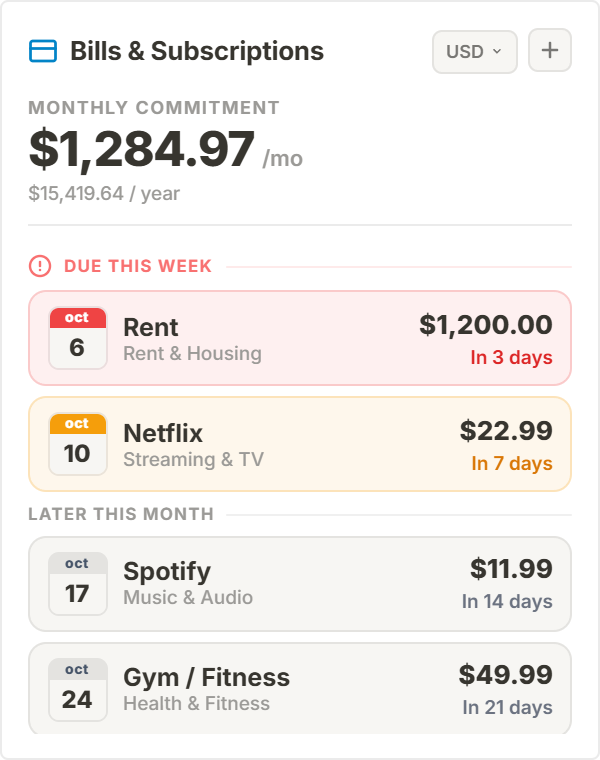
Track recurring subscriptions and bills in Notion. Shows upcoming due dates, renewal countdowns, and monthly or yearly totals so you never miss a payment.
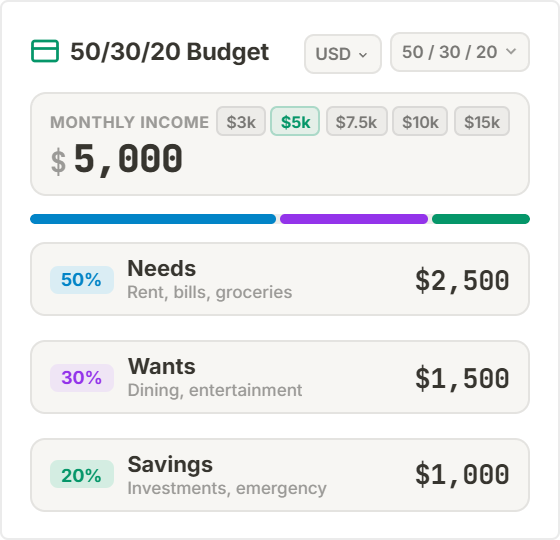
Split your monthly income using the 50/30/20 rule. Enter your take-home pay to see spending targets for Needs (50%), Wants (30%), and Savings (20%).
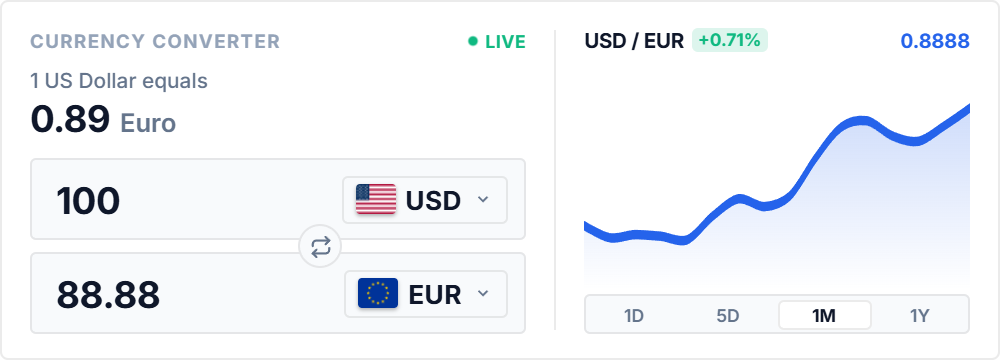
Convert between 30+ world currencies on your Notion page. Enter an amount to see live exchange rates, and click the swap button to reverse currencies.
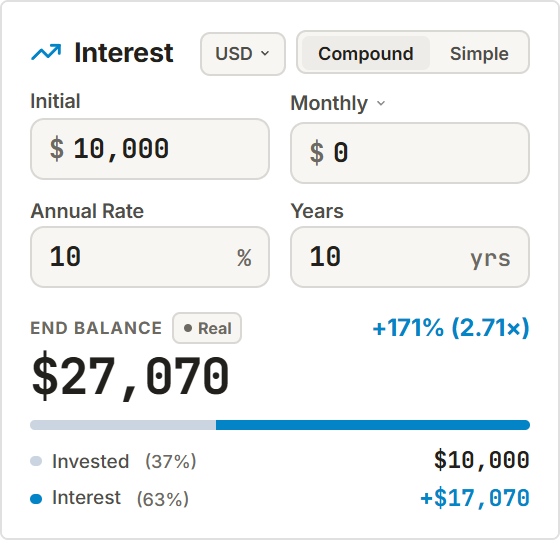
Calculate compound interest and investment growth in Notion. Set your starting balance, monthly deposits, and return rate to see portfolio totals and.
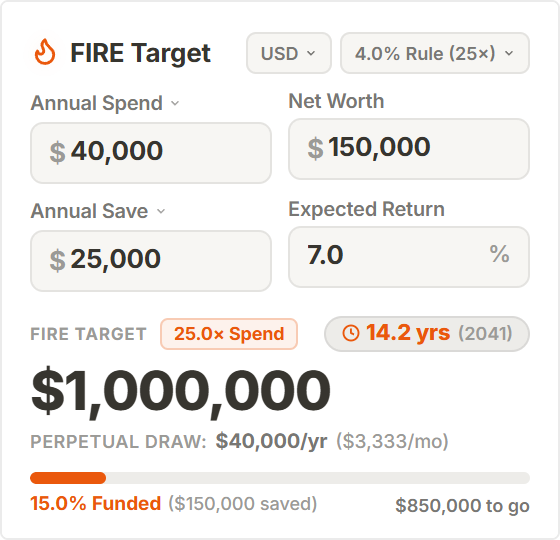
Calculate your Financial Independence and Early Retirement timeline. Enter your savings, annual spending, and yearly investments to find your target.
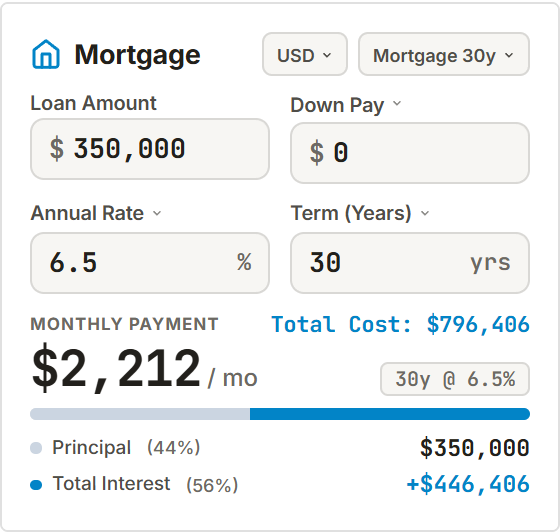
Calculate monthly payments and interest for mortgages, auto loans, or personal debt. Enter your loan amount, interest rate, and term to view payoff schedules.
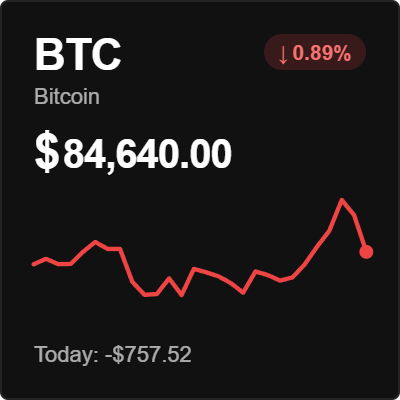
A clean crypto price card for Notion. Displays live market prices, 24-hour gains or losses, and sparkline charts for Bitcoin, Ethereum, and top coins.
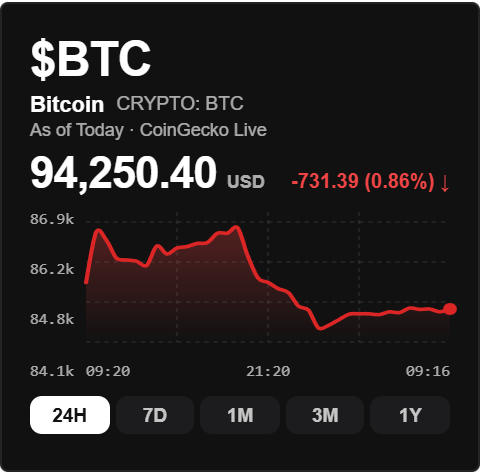
An interactive crypto market chart with live price curves, 24-hour highs and lows, and trading volume for Bitcoin, Ethereum, and Solana.
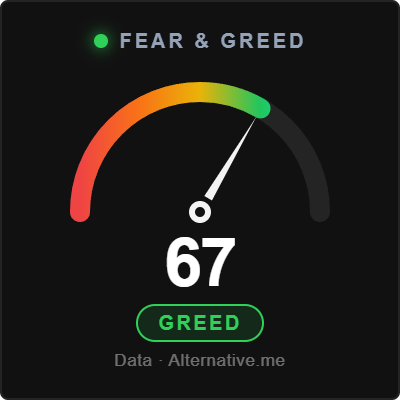
Track crypto market sentiment with a live Fear & Greed gauge. Displays the 0 to 100 sentiment score from Extreme Fear to Extreme Greed with a.
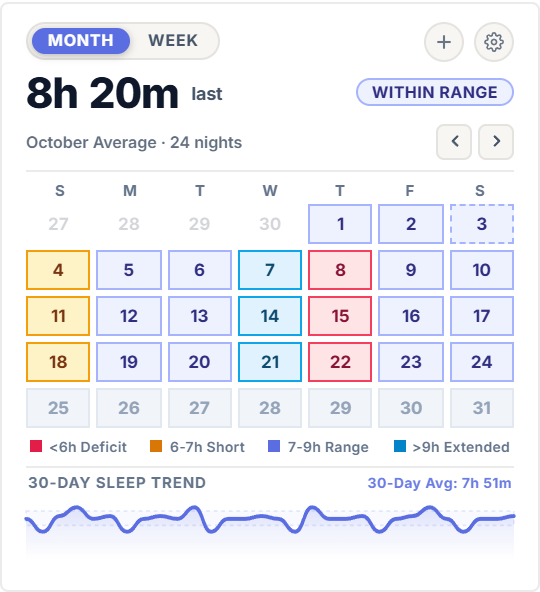
Track your nightly sleep hours, bedtime consistency, and rest quality. Tap any day to log your sleep and wake times, review your 7-day schedule, and.
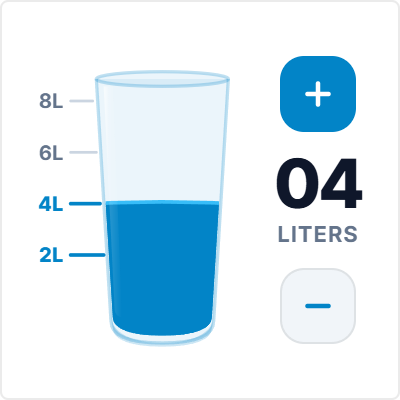
Log your daily water intake with one click. Tap the glass to add 250ml or bottle sizes, and watch the animated water level rise toward your daily goal.
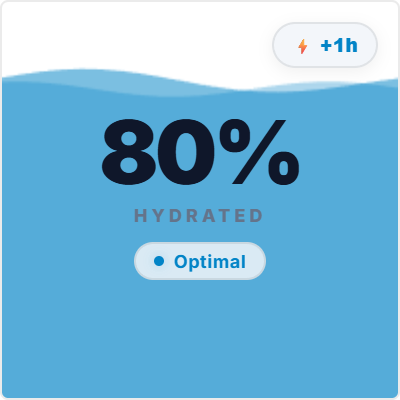
Track your hydration level as it naturally declines over time. Tap to log glasses of water, and check the wave level to know when it is time for your.
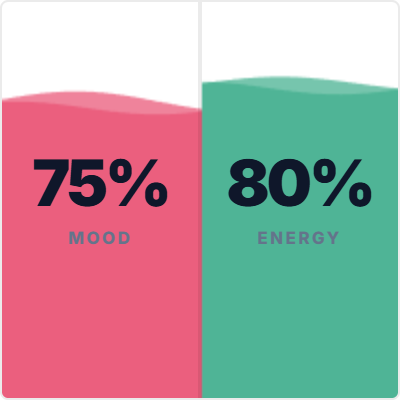
Rate your daily mood, sleep quality, and physical vitality on a clear 1 to 10 scale with fluid wave columns.
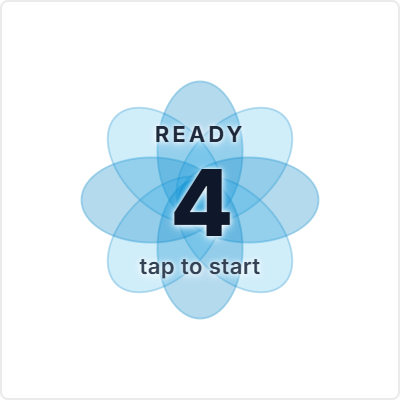
Follow guided breathing exercises to calm your mind and reset focus. Click play to start 4-second box breathing (inhale, hold, exhale, hold) with.
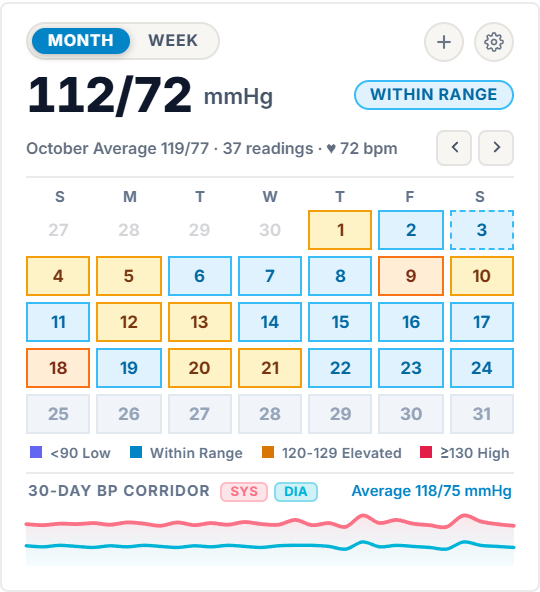
Log your daily blood pressure and pulse in Notion. Enter systolic, diastolic, and BPM values to track your readings over time and see category averages.
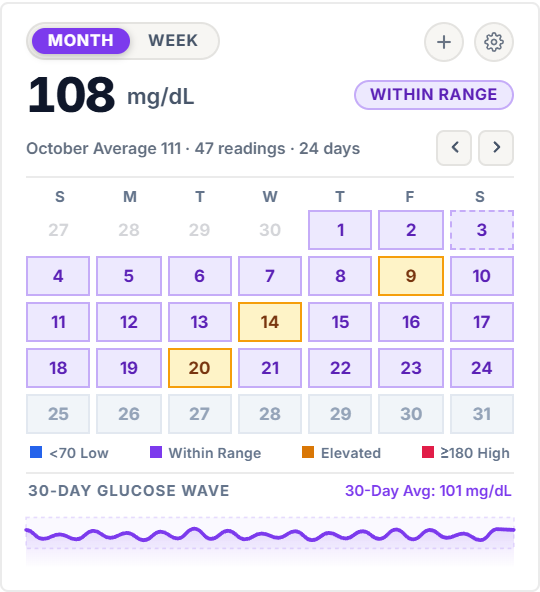
Track your daily blood glucose readings in Notion. Log mg/dL or mmol/L with meal tags (fasting, pre-meal, post-meal) and review weekly trend charts.
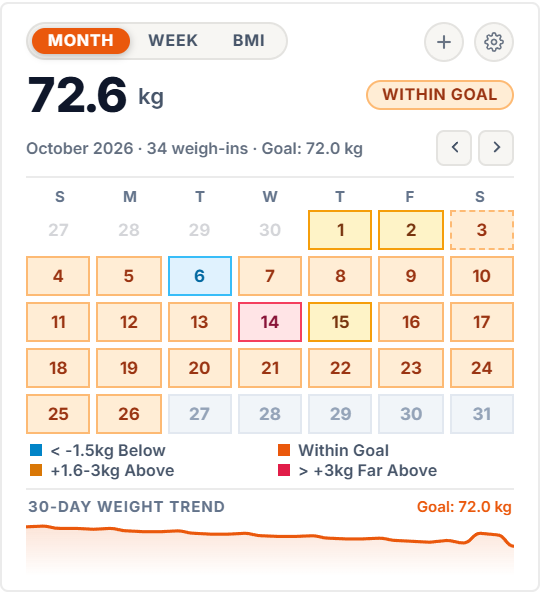
Track your daily weigh-ins and progress toward your goal weight. Enter morning weight in pounds or kilograms, and see your 7-day moving average and.
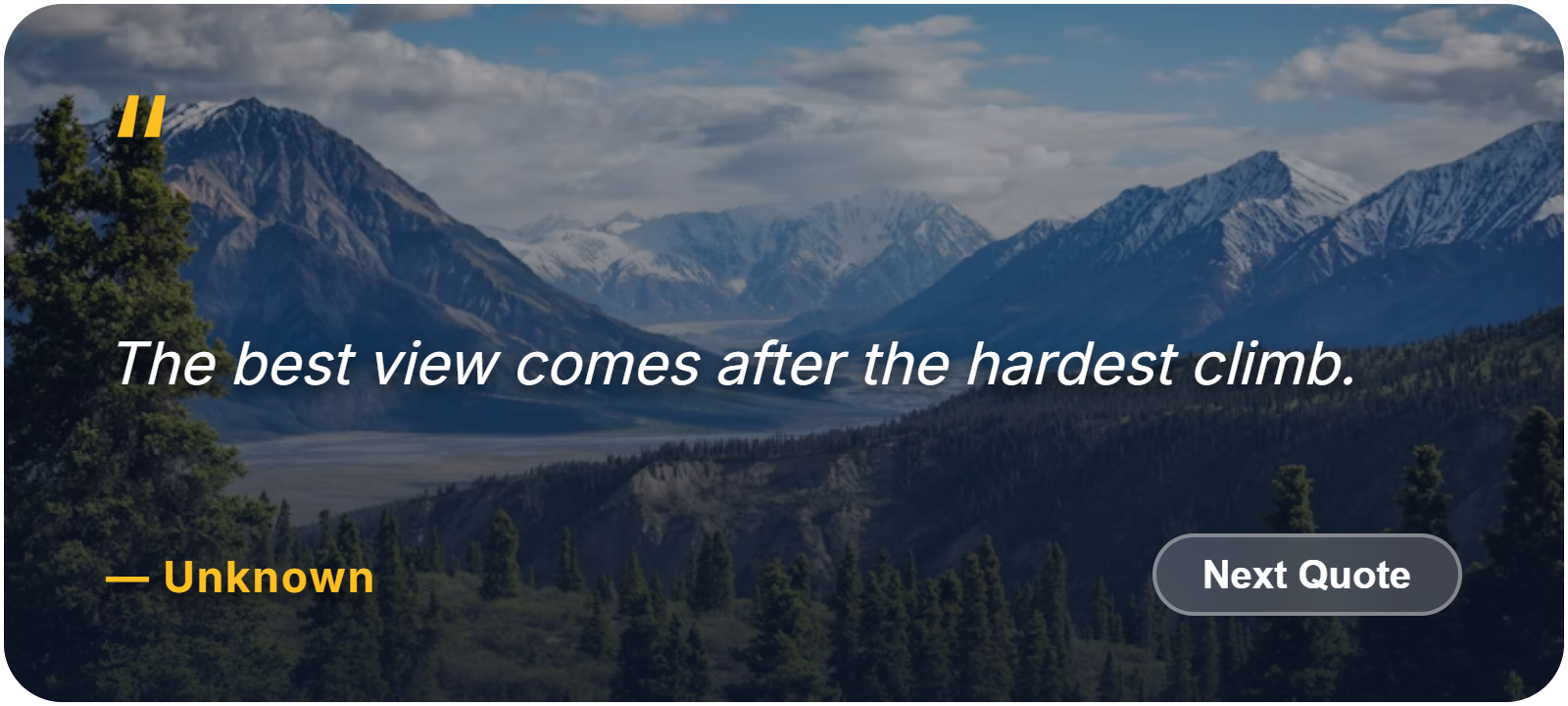
Display daily quotes paired with landscape photography. Tap anywhere on the card to reveal a new quote, or change photo backdrops in settings.
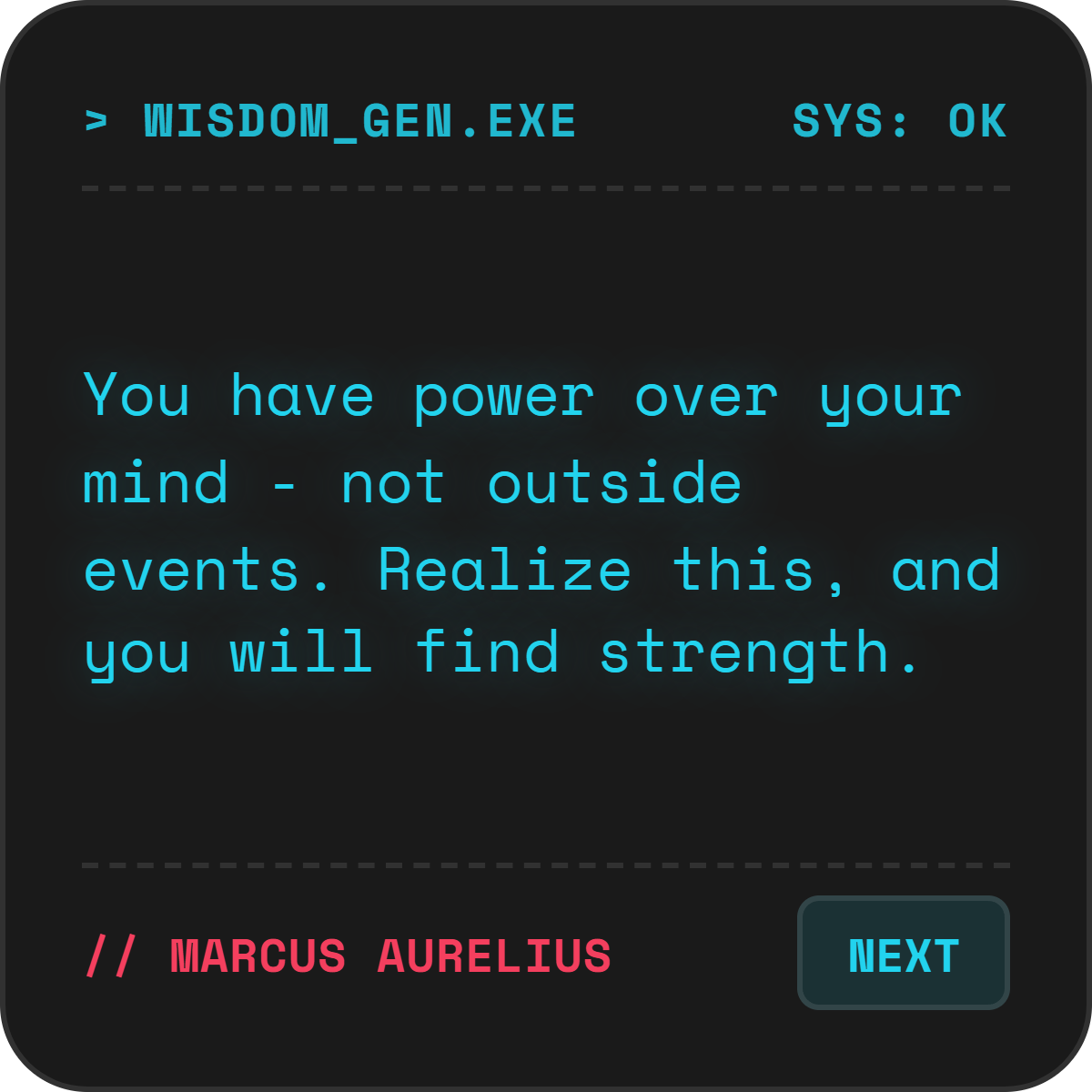
A retro terminal quote display. Tap anywhere to reveal a new quote, and switch between amber, green phosphor, or cyberpunk neon styling.
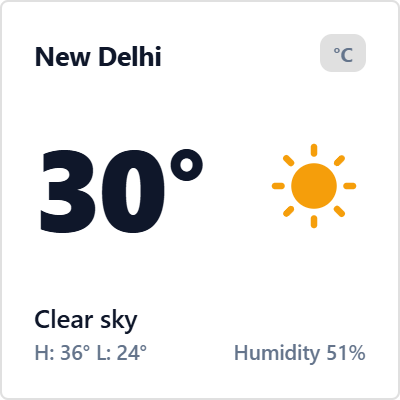
A clean weather card with live temperature, humidity, and daily highs and lows. Tap the °C/°F badge to switch units, or toggle between current.
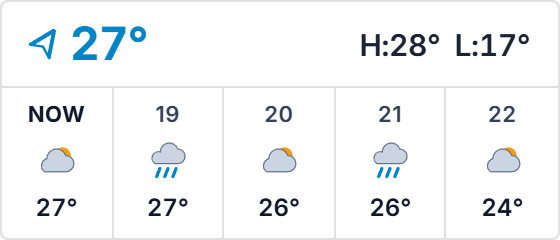
A compact 5-hour weather strip for page headers. Shows temperature progression, precipitation risk, and weather condition icons. Tap the temperature.
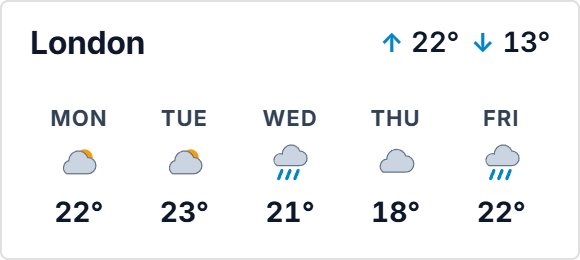
A 5-day weather forecast with daily highs, lows, and condition icons. Tap the temperature badge to switch between °C and °F, and pick any city in settings.
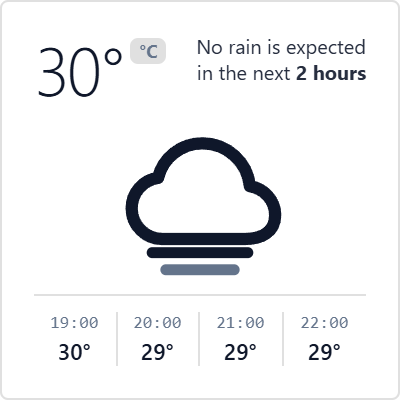
A dot-matrix weather card with halftone cloud art. Displays real-time temperature, condition icons, and an hourly forecast grid. Tap the header badge.
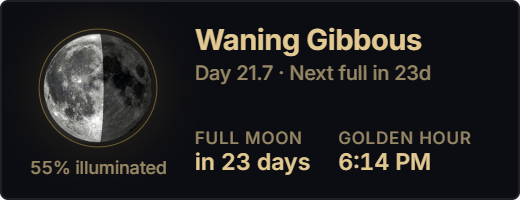
Track the current moon phase, illumination percentage, and days until the next full moon. Calculates exact lunar positions and twilight times locally.
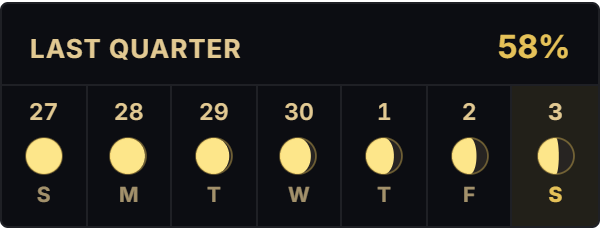
A 7-day moon phase strip showing daily lunar progression. Tap any day to inspect its phase name and illumination percentage, with today highlighted.
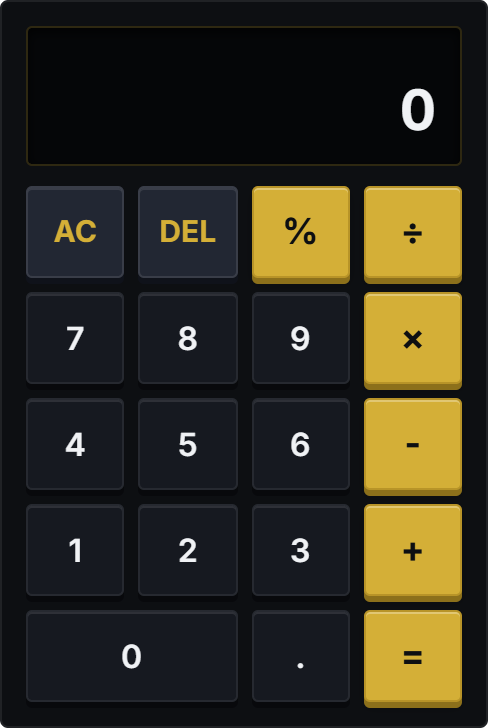
A standard calculator for everyday math in Notion. Tap numbers on screen or use your physical keyboard numpad with clean result formatting.
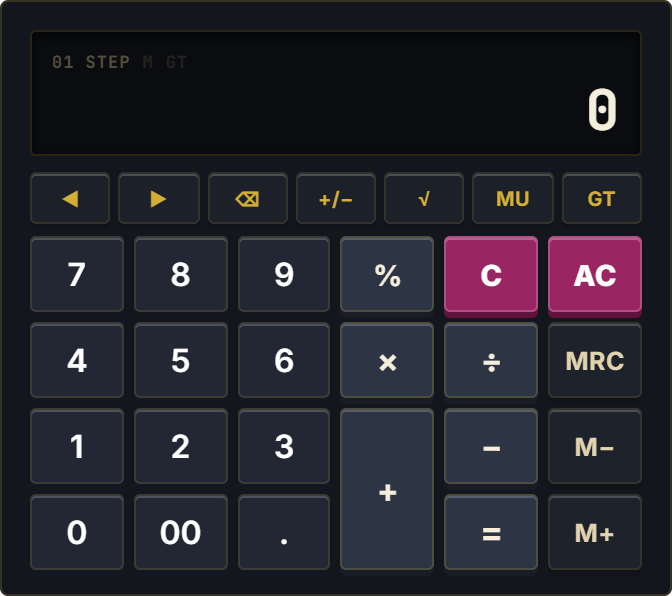
A classic office desktop calculator with LCD digits. Features Grand Total (GT), Tax calculation buttons (TAX±), and memory recall (M+, M-, MR/MC).
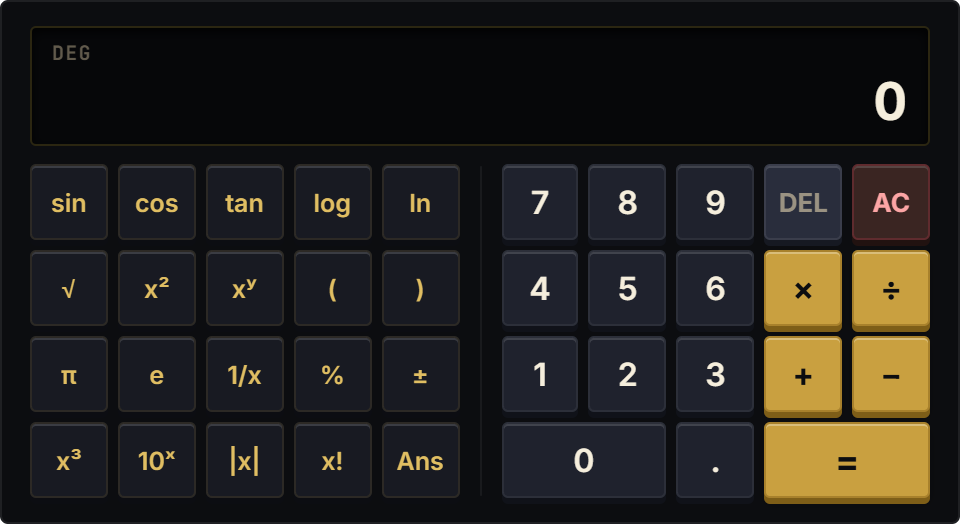
A horizontal scientific calculator for math and science notes. Includes trigonometry, logarithms, powers, roots, constants (π, e), and degree/radian toggles.
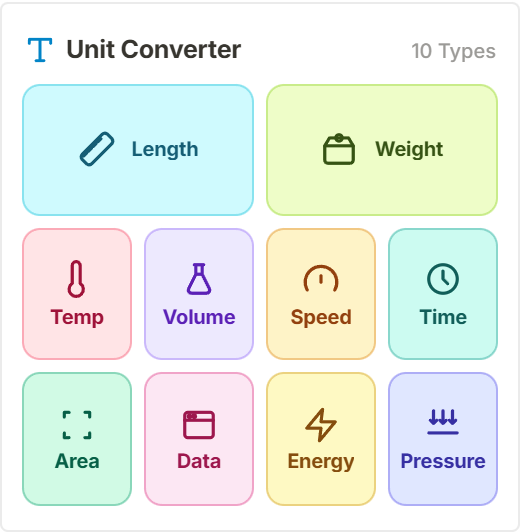
Convert measurements directly inside your notes. Type in either box for live two-way conversion across length, weight, temperature, volume, area, and data.
Create clickable navigation buttons for your Notion pages. Set target links, choose from 70+ vector icons, and pick custom corner styles and hover effects.
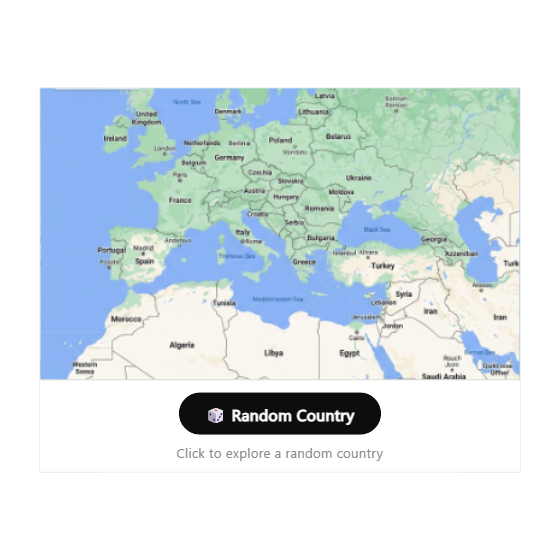
Explore the world right from your Notion page. Tap the button to discover a random place or country anywhere across the globe, view flags and.
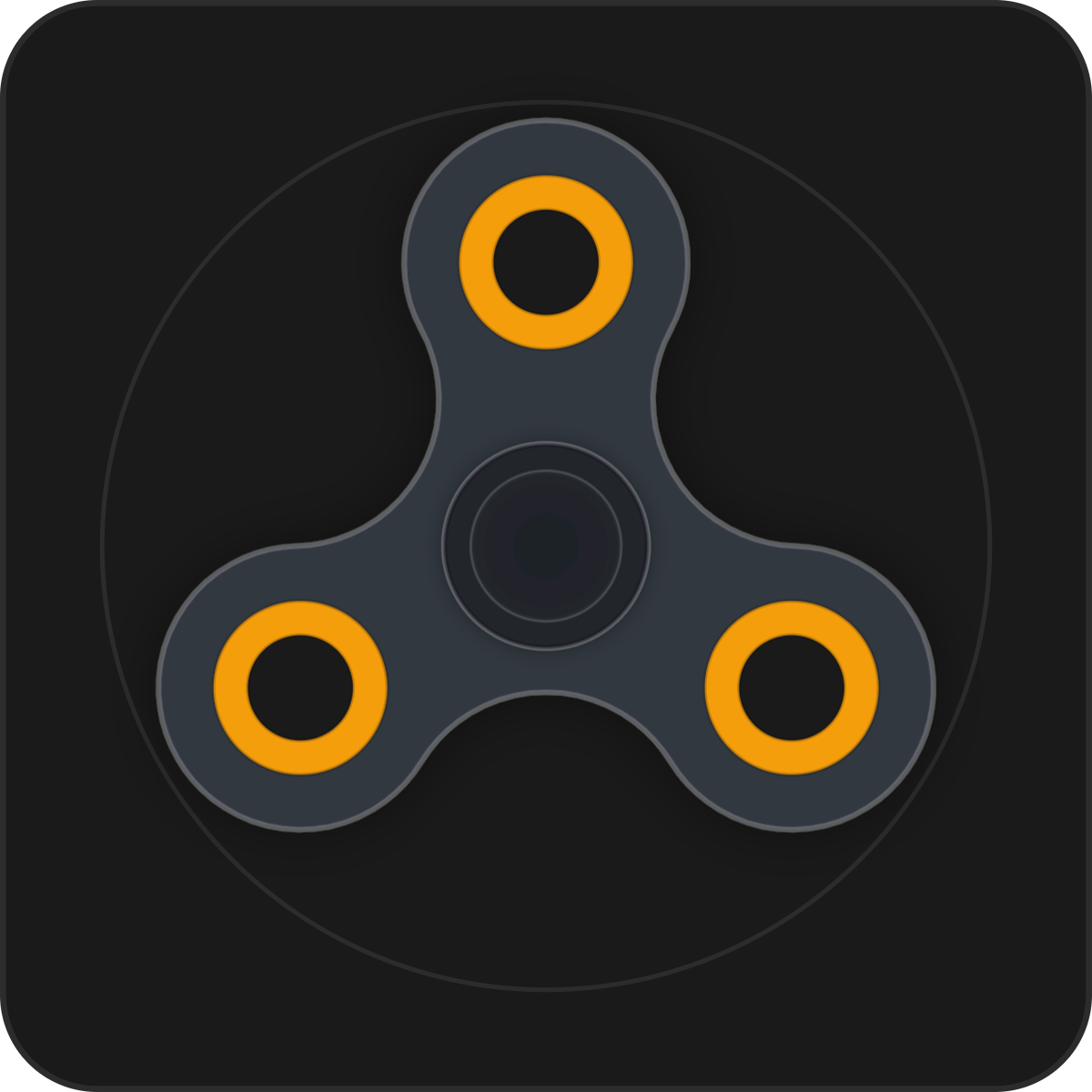
A virtual fidget spinner for study sessions and breaks. Flick or charge to spin, listen to realistic bearing hums, and tap to brake.
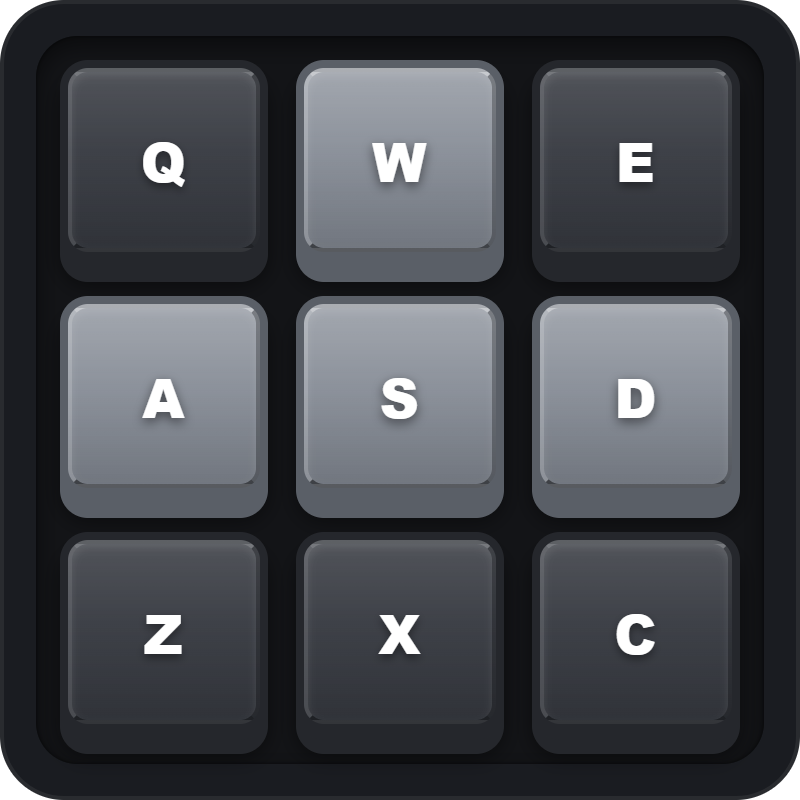
A mechanical keyboard clicker for your desk. Tap on-screen keycaps or press your keyboard to hear crisp Blue, Brown, or Red switch sounds.
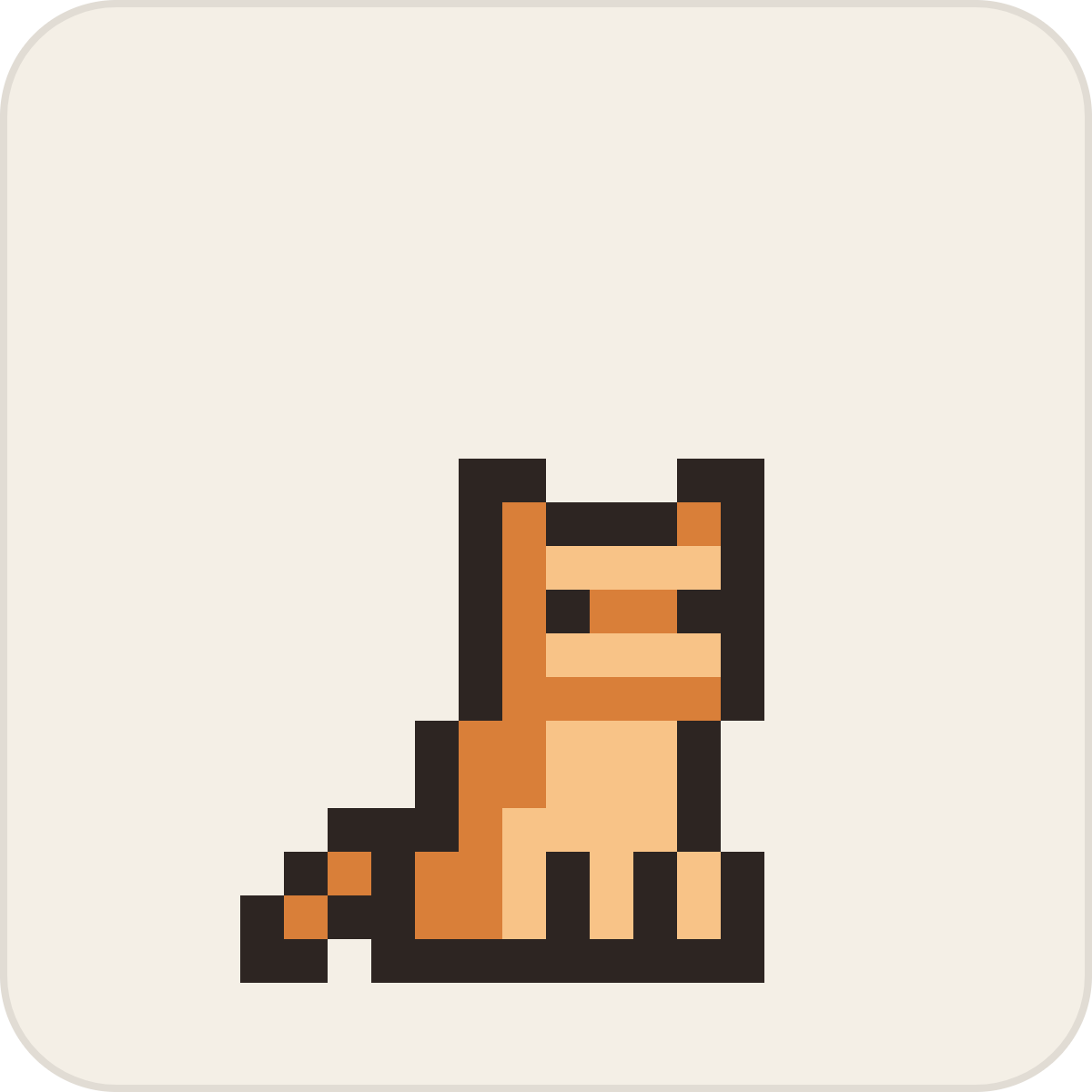
A cozy pixel cat for your desk. Its eyes follow your cursor, clicking gives it gentle pets, and it curls up to nap when you are busy working.
A playful pixel puppy that tracks your cursor. Move close to see its tail wag, tap to pet it, and watch it nap when you are focused.
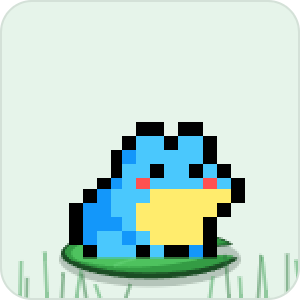
A friendly pixel frog for your workspace. Tap to make it leap and croak, or choose from tree frog, poison dart, and bullfrog skins in settings.

A retro pixel cow that wanders your page. Tap to pet it, watch it munch on meadow grass, and switch between 7 coat colors in settings.
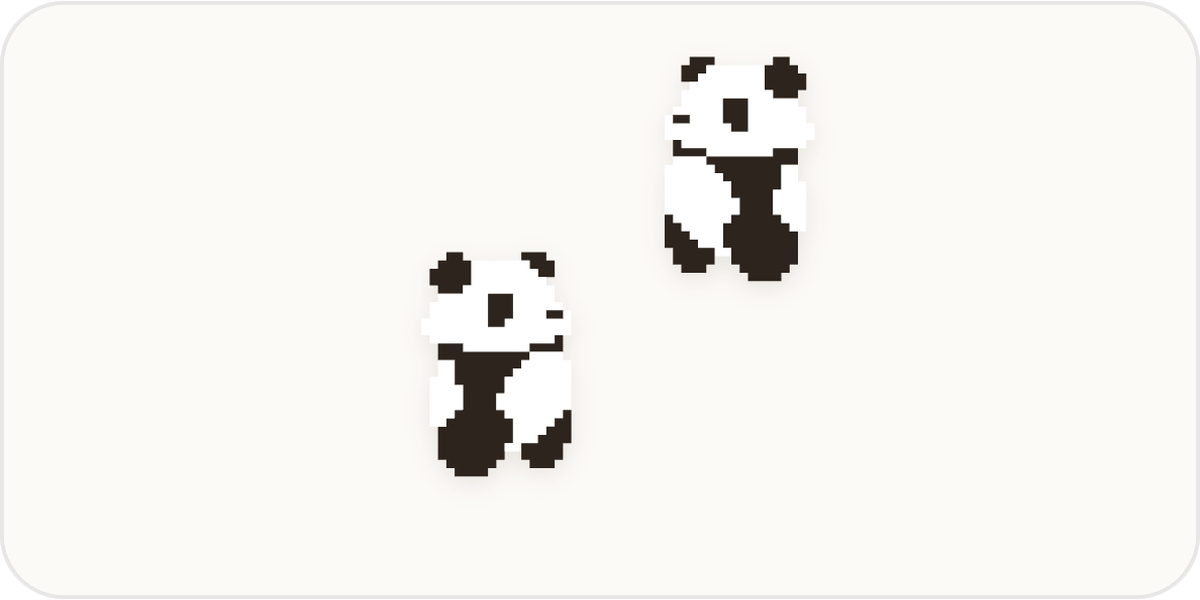
Two pandas roaming around a meadow. Tap to poke them, watch them bump into each other, and see them tumble over for a quick nap.
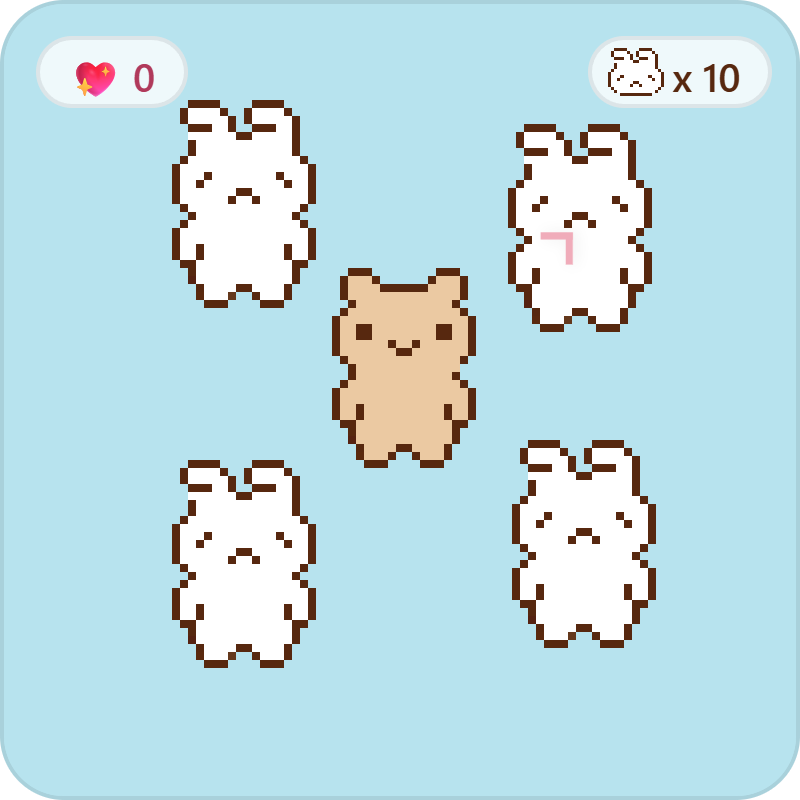
A cozy mini-game where you steer a gentle bear around the meadow to find sad bunnies and cheer them up with warm hugs.

An interactive companion cube for your desk. It tracks your mouse, lets you squish and pet it, and hops when you tap space.

An interactive Grok companion bot for your workspace. Features iconic parallel tilted pill eyes, live cursor tracking, tactile squish petting.
Licensing Guidelines: Do's & Don'ts
Your Commercial License grants royalty-free rights to bundle aesthetic widgets in Notion templates. Review the full list of permitted distribution methods and prohibited actions below.
Permitted Commercial Uses
- Sell in Unlimited Notion Templates
Bundle static widgets into paid or free Notion templates on the Notion Marketplace, Gumroad, Etsy, Whop, Lemon Squeezy, Stan Store, or any marketplace or your own site.
- Keep 100% of Sales Revenue
Zero royalty fees, zero per-sale commission, zero recurring cuts, and unlimited template sales or downloads. All profits are 100% yours.
- Zero Buyer Accounts or Logins Needed
Buyers duplicate your templates with all custom themes and layouts intact via your Creator Token (
?cid=...). No account creation required for buyers. - Client Workspaces & Agency Deliverables
Embed customized widgets directly into client dashboards, freelance systems, and commissioned private Notion workspaces.
- All 84+ Aesthetic Static Widgets
Full commercial access to all clocks, calendars, habit trackers, retro computers, countdowns, weather badges, quotes, progress bars, and future releases.
Restrictions & Exclusions
- No Standalone Widget Reselling
You cannot resell, redistribute, or package raw widget embed links as a standalone widget collection, widget marketplace, or standalone widget product.
- No Source Code or SDK Redistribution
Extracting, downloading, reverse engineering, or redistributing the underlying widget HTML/JS source code or SDK scripts is strictly prohibited.
- Private OAuth & Database Charts Excluded
Notion Database Charts, Google Calendar, GA4, and Gumroad Tracker require private OAuth/API credentials and cannot be bundled into commercial templates.
- No Creator Token (CID) Sharing or Reselling
Your Creator Token (CID) is cryptographically tied to your license. It cannot be shared with other creators, transferred, or sub-licensed to third parties.
- No External White-Label SaaS Embedding
Widgets cannot be used as an embedded widget generation engine or white-label feature inside external SaaS platforms or web apps outside Notion templates.