The Integration Dilemma: Why Two-Way Notion Sync Often Breaks
For years, Notion users have struggled to integrate Google Calendar into their workspaces. The most common route involves complex third-party automation tools like Zapier, Make, or custom sync bots. While exciting during initial setup, these systems inevitably suffer from OAuth token expirations, sync latency, accidental duplicate event creation, and catastrophic database schema breakages whenever a single property name changes.
Even more concerning is the security trade-off: traditional sync integrations demand full read-and-write permissions to your Google account. You grant third-party servers unrestricted access to your corporate emails, confidential client meeting titles, attendees, and private calendar entries. For professionals, consultants, and enterprises, this represents an unacceptable security vulnerability.
The read-only iCal feed stream provides the gold standard architectural solution. By generating your private, secret iCal address directly inside Google Calendar, our widget renders your schedule in real time without requesting passwords, OAuth tokens, or write permissions. Your calendar remains 100% private, unhackable, and lightning-fast.
Spatial Calendar Architecture: The Power of Persistent Schedule Context
In cognitive ergonomics, having to repeatedly alt-tab between Google Calendar in a browser tab and Notion project documentation induces severe Attention Fragmentation. Every time you switch contexts to check whether a meeting starts in 15 minutes, your prefrontal cortex expends valuable glucose re-orienting to the new interface.
When your live schedule is visually anchored directly inside your Notion daily dashboard, you achieve ambient temporal awareness. You can draft meeting agendas, review project task lists, and take live meeting notes on a single unified canvas without ever leaving your workspace.
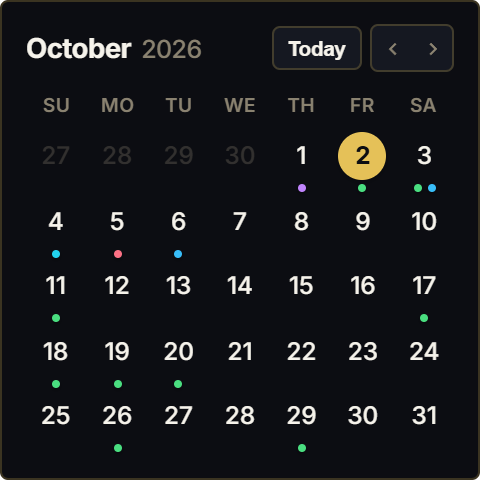
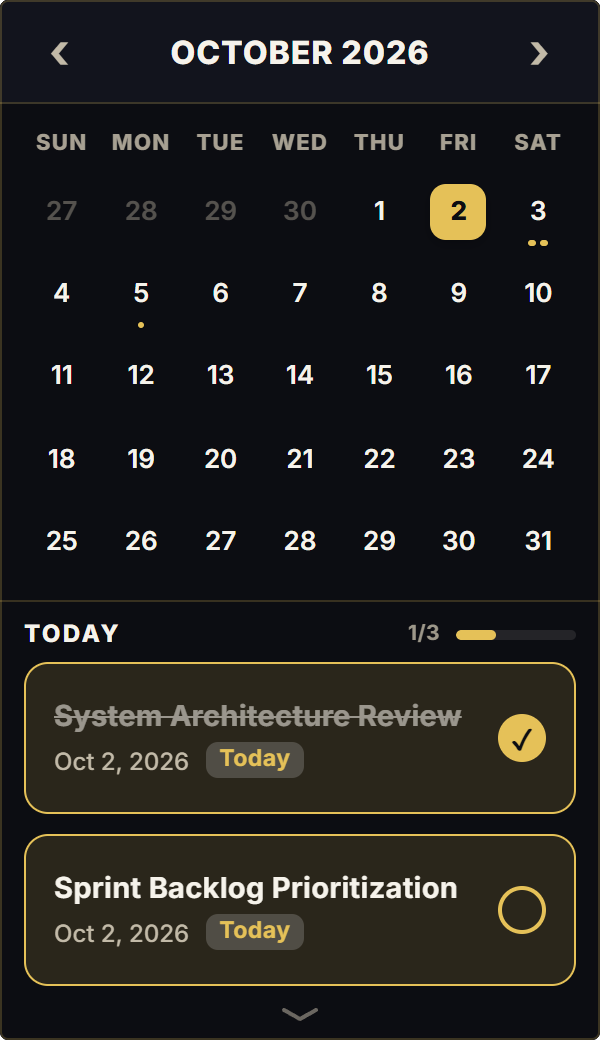
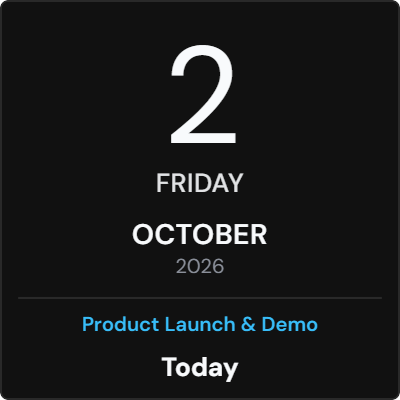
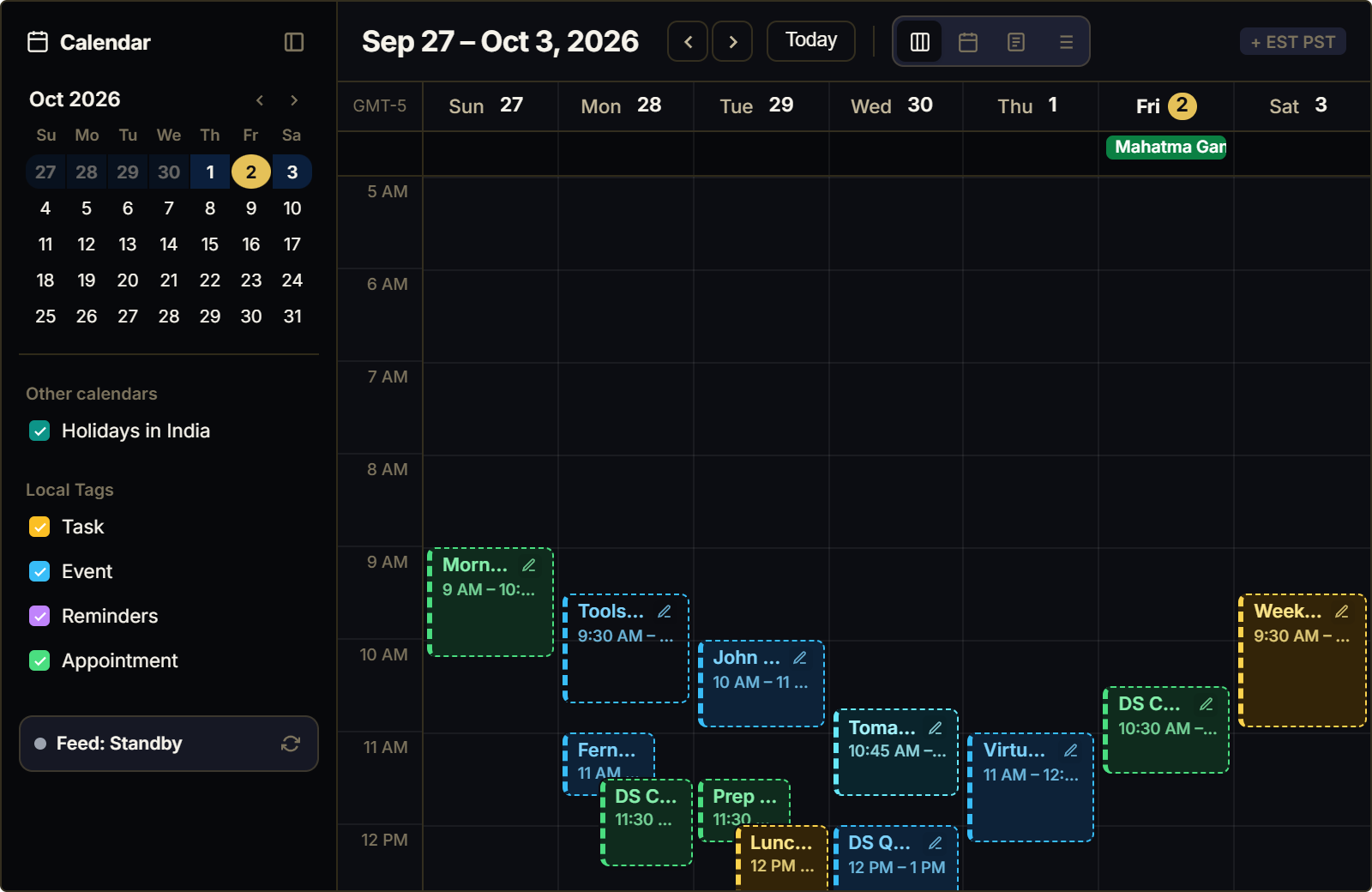
Our Google Calendar widget is engineered with dual-view adaptability: enjoy a full 7x5 interactive monthly overview on wide dashboard sections, or toggle into a high-density upcoming agenda list for narrow sidebars. Click any event to inspect times, locations, and descriptions in a clean popover.
4 Rules for Effortless Calendar Management in Notion
The Secret iCal Integration Rule
Never enter your Google password into third-party sync apps. Open Google Calendar Settings, scroll to 'Integrate calendar', copy your 'Secret address in iCal format', and paste it into the widget input. Your live events sync securely in seconds with zero permissions requested.
The Time-Blocked Daily Rail
Embed your Google Calendar widget in a dedicated 1/3 sidebar column immediately adjacent to your daily priorities callout. Cross-reference scheduled meetings with unscheduled focus hours to protect deep work blocks from calendar creep.
Multi-Calendar Distinction
If you manage multiple calendars (such as Client Calls, Team Standups, and Personal Deadlines), export the combined iCal feed or create dedicated widget embeds styled with distinct theme accents to prevent scheduling overlaps.
The Pre-Call Preparation Protocol
Position your calendar above your meeting notes database. Clicking an upcoming event reveals attendee notes and meeting links, allowing you to create a meeting note page in Notion 5 minutes before the call starts.
Architectural Breakdown: Live iCal Widget vs. Database Sync Integrations
Why dedicated read-only iCal widgets provide a superior experience compared to complex database sync bots:
Complex Two-Way Sync Bots
OAuth credential tokens and schema dependency risks