The Column Space Crisis: Why Full Monthly Grids Break in Sidebars
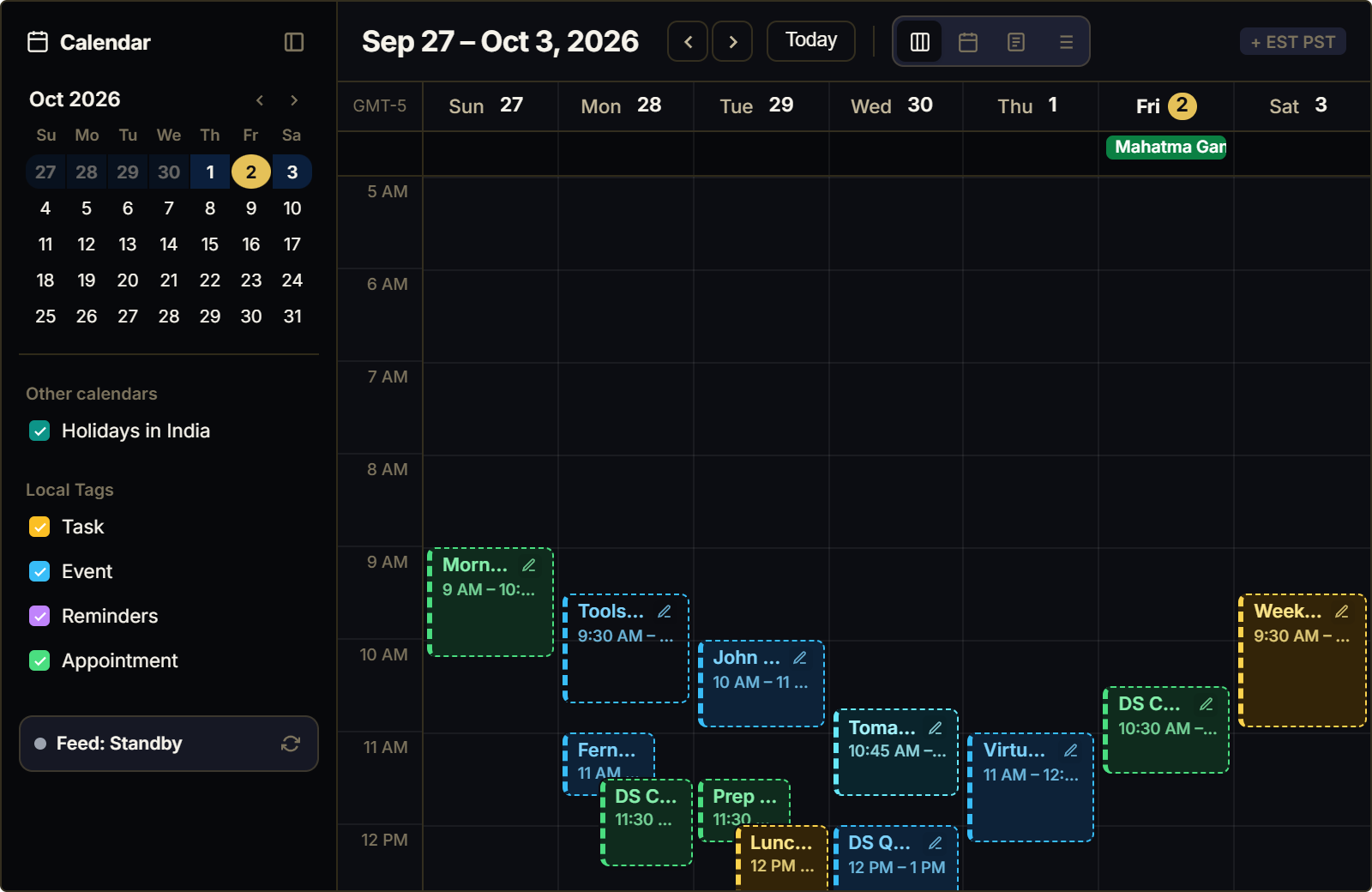
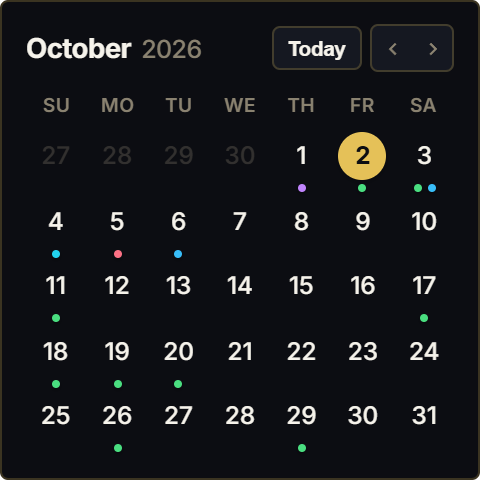
A recurring design challenge in Notion is column proportionality. When users construct elegant multi-column dashboards, they often attempt to squeeze a full 7x5 monthly calendar into a narrow 1/3 or 1/4 sidebar column. The result is visual disaster: day cells are crushed into unreadable boxes, event titles truncate after three letters, and horizontal scrollbars disrupt the clean layout.
Furthermore, modern knowledge workers rarely need to inspect the third Tuesday of next month during their active morning sprint. What you urgently require is immediate clarity on the next two to four upcoming commitments: what meeting starts next, who is attending, and where the link is located.
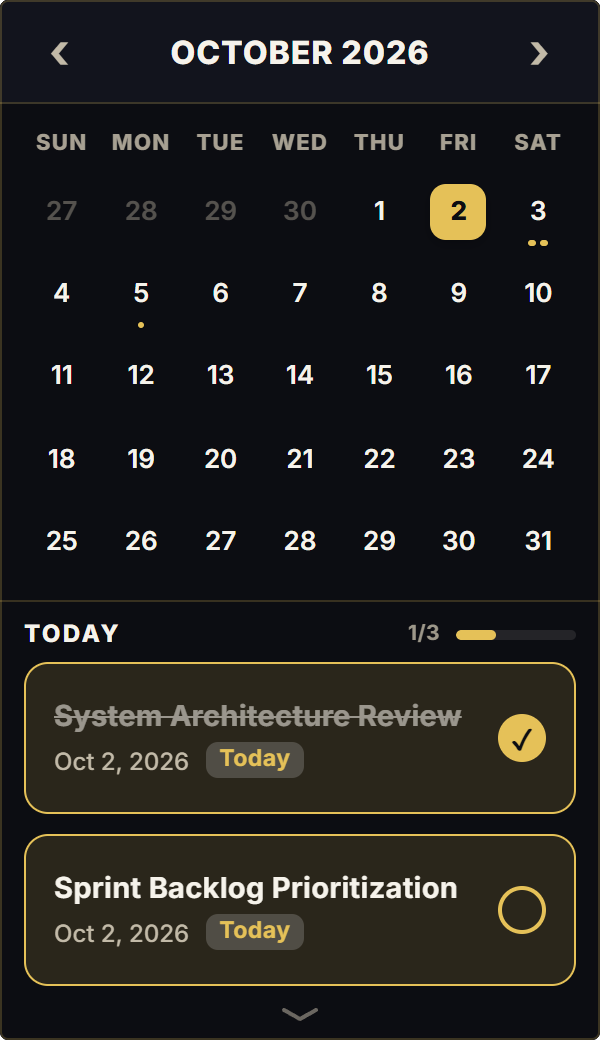
Google Calendar Mini solves the sidebar crisis through a high-density, vertical agenda stream. It strips away redundant empty grid squares, presenting your upcoming meetings in a sleek, chronological feed engineered specifically for compact sidebar rails.
Ambient Urgency: Meeting Countdowns and Micro-Status Indicators
Peripheral vision plays a massive role in meeting punctuality. Traditional desktop notifications are jarring, often breaking flow states with loud sound effects or modal popups that obscure your work.
Google Calendar Mini provides calm, ambient visibility. By anchoring a clean vertical list of today's upcoming commitments in your sidebar, you register upcoming calls through peripheral glance without interrupting your writing or coding flow.
When your schedule is clear, the widget gracefully transitions into a serene empty-state badge ('All clear for today'), eliminating visual noise and providing psychological relief during dedicated deep work blocks.
4 Strategies for Compact Agenda Management in Notion
The Narrow Sidebar Radar Setup
Embed Google Calendar Mini in a 240px to 280px sidebar column. It occupies minimal vertical space while providing continuous, ambient awareness of your next meeting.
The T-15 Pre-Call Ritual
Glance at your mini agenda card 15 minutes prior to your next call. Inspect the attendee names and meeting notes directly within the widget before opening Zoom or Google Meet.
Calendar Event Scrubbing
Decline tentative or non-essential invites each morning. Your mini agenda feed should represent exclusively high-priority, non-negotiable commitments for the day.
Mobile Notion Optimization
On mobile phones, full monthly calendars require awkward zooming. Google Calendar Mini scales fluidly to touch screens, delivering a clean vertical event list you can scan while walking into meetings.
Architectural Breakdown: Compact Agenda Mini vs. Full Monthly Calendar
Why high-density agenda streams outperform traditional full-grid calendars in Notion sidebars:
Database Tables & Records
Best for deep historical storage, relations, and structured records