The Neuroscience of Fidgeting: Why Physical Movement Enhances Mental Focus
For knowledge workers, students, and creative professionals, prolonged cognitive work often induces motor restlessness. Attempting to sit completely still while writing complex essays or debugging difficult code can actually impair concentration.
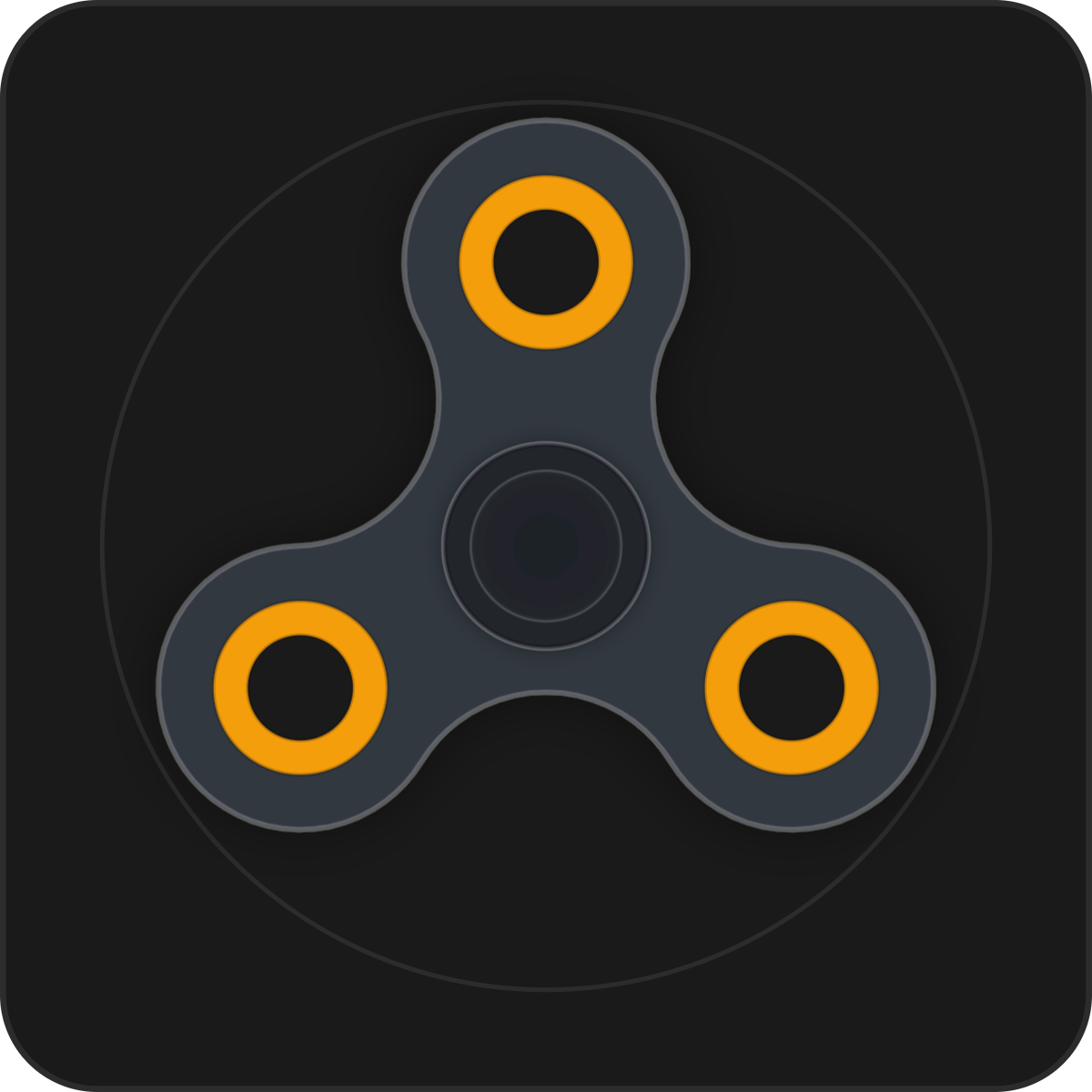
Neuroscientific studies show that controlled micro-movements (fidgeting) activate the prefrontal cortex, helping individuals with ADHD, anxiety, or high cognitive load regulate attention. The Interactive Fidget Spinner provides a digital kinetic outlet directly inside your Notion environment, allowing you to channel restless motor energy without leaving your desk or picking up distracting smartphones.
Angular Momentum Physics: Realistic Kinetic Simulation
The Interactive Fidget Spinner is built with a realistic angular physics engine that models torque, rotational velocity, friction damping, and momentum decay. You can interact in two distinct modes: click and hold to charge an intensity meter and launch an ultra-fast high-RPM spin, or click and drag the spinner arms directly to feel tactile rotational resistance.
A single click acts as an instant brake. Encased in a platform-standard 1px border with zero outer drop shadows, it remains an elegant, calm desktop fixture that never visually overwhelms your workspace.
Four Focus Regulation Protocols
The Pre-Sprint Kinetic Launch
Before launching into a 25-minute Pomodoro deep-work session, charge up the fidget spinner to full power and release it. Watch the gentle spin slow down as your mind settles into focused work.
Reading Pause Tactile Anchoring
During long reading sessions or document reviews, gently drag the spinner with your mouse while contemplating key paragraphs. The rhythmic motion anchors attention and prevents mind-wandering.
Meeting Decompression Channeling
During tense calls or heavy brainstorming sessions, use the direct rotational drag to dissipate nervous energy without making noise or disrupting team members.
Corner Sidebar Docking
Dock the spinner in a narrow 180px column at the bottom of your Notion personal dashboard. It stays quiet and unobtrusive until you need a sensory break.
Architectural Breakdown: Interactive Fidget vs. Static Workspace
Database Tables & Records
Best for deep historical storage, relations, and structured records