The Clutter of Multi-Window Math: Why Calculators Belong Inside Notion
Knowledge workers spend their working days tracking monthly expenses, estimating freelance project fees, and calculating milestone schedules inside Notion. Yet, whenever basic arithmetic is required, the default habit is to open an operating system calculator window or reach for a smartphone.
This friction introduces window clutter, disrupts visual focus, and breaks deep work momentum. Cognitive research shows that jumping between unrelated software windows increases task resumption latency.
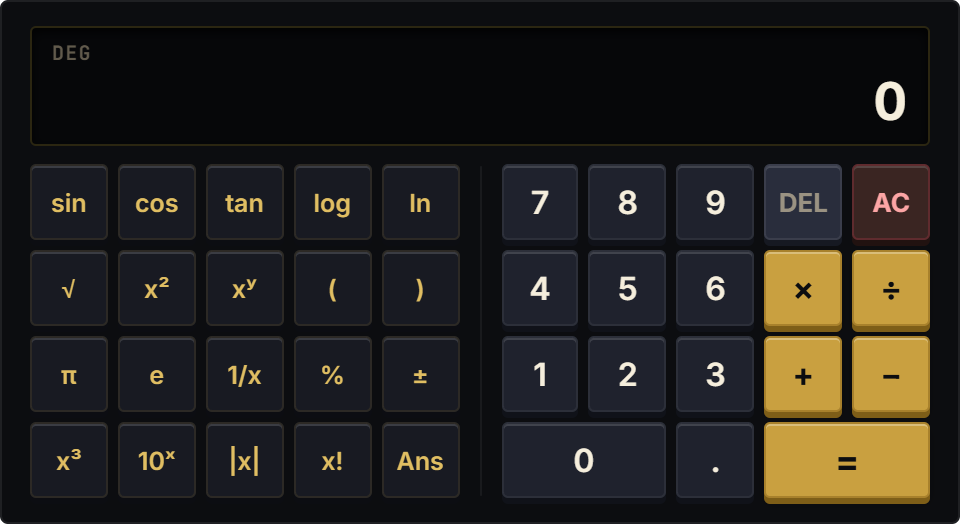
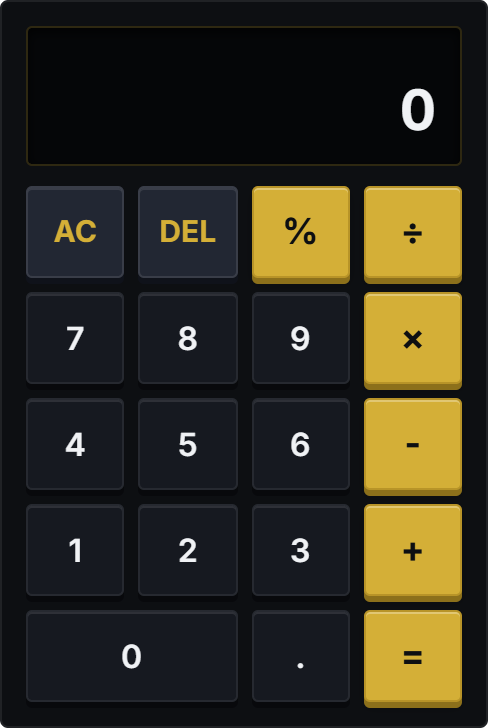
Embedding a clean, tactile calculator directly into your active Notion dashboard eliminates this barrier. You perform rapid calculations right beside your budget spreadsheets and meeting notes, keeping your workspace unified and distraction-free.
Dieter Rams Braun Ergonomics: Multi-Sensory Acoustic Feedback
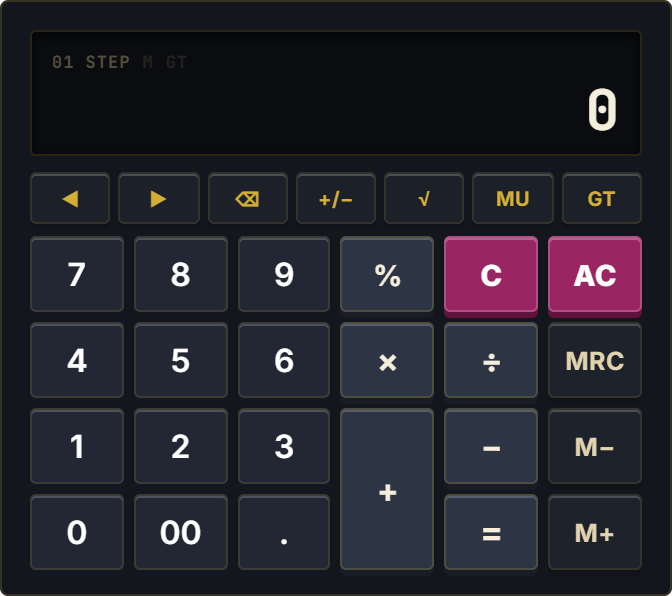
Inspired by Dieter Rams' iconic Braun ET66 design language, the Standard Calculator prioritizes functional clarity and sensory satisfaction. Each circular key features high-contrast typography, clear operator separation, and subtle micro-depression animations.
Built-in Web Audio synthesis delivers 13 authentic mechanical keyboard switch sound profiles (including Cherry MX Blue, Holy Panda, Cream, and Alps), giving you crisp auditory confirmation for every keystroke. Full physical keyboard integration allows you to crunch numbers using your laptop's numpad or top row, with instant Enter and Escape bindings.
Encased in a platform-standard 1px border with zero outer drop shadows, it sits gracefully on Notion canvas backgrounds.
Four Everyday Calculation Protocols
The Inline Budget Reconciliation Protocol
Dock the Standard Calculator directly alongside your monthly expense database. Tally up receipts and verify totals on the calculator before inputting master sums, preventing formula errors.
Multi-Sensory Keystroke Pacing
Enable mechanical switch click audio during rapid numerical data entry. The acoustic feedback confirms that every digit has registered correctly, drastically reducing double-press mistakes.
Full Keyboard 10-Key Fast Path
Keep your mouse hand free for scrolling your Notion documents while using your numeric keypad for rapid arithmetic input. Press Enter to evaluate and Escape to clear the register.
Obsidian Noir Theme Parity
Select the Obsidian Noir or Notion Dark theme for late-night budgeting sessions. The dark chassis blends natively into Notion dark mode, protecting your eyes from harsh bright boxes.
Architectural Breakdown: Instant Calculator vs. Database Formula Table
Formula Properties & Rollups
Requires custom property formulas and rollup configuration