7 Best Notion Productivity Widgets & Timers
Boost your focus with the best productivity widgets for Notion in 2026. Featuring Pomodoro timers, habit grids, streak counters, and life progress bars.

A high-performing Notion workspace does more than catalog notes; it actively maintains momentum and focus throughout your workday. By embedding dedicated productivity widgets directly into your daily dashboard, you can track habit consistency, enforce structured Pomodoro focus intervals, and monitor time investments without tab-switching.
Here are the 7 best productivity widgets for Notion, complete with live customization links.
1. Minimal Pomodoro Focus Timer
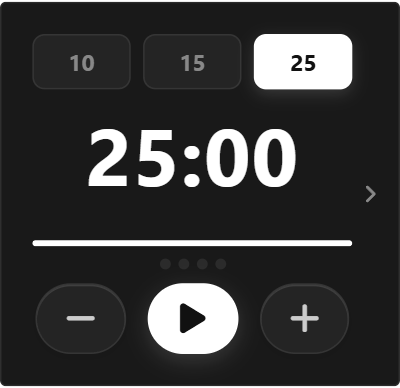
A clean interval timer built on the proven 25-minute focus and 5-minute break Pomodoro technique. Features a circular visual progress countdown ring, session tally counters, and audible completion chimes to keep your deep work sessions structured.
Customize Pomodoro Timer in Studio →
2. Weekly Habit Tracker Grid
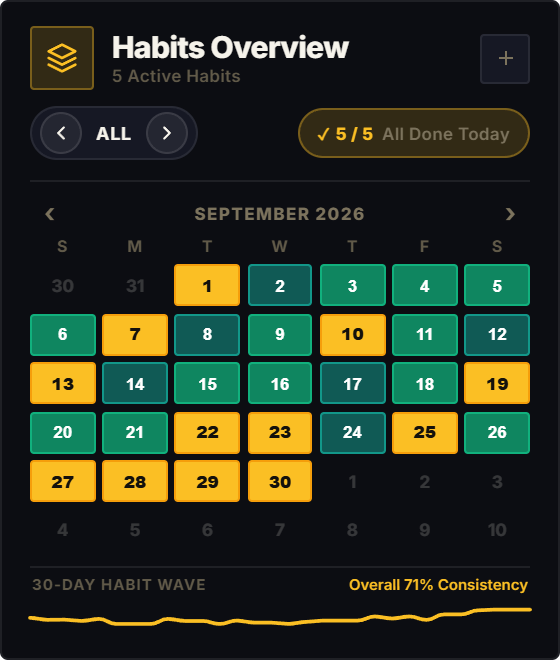
Logging habits in heavy database tables creates friction that leads to abandoned routines. The Weekly Habit Tracker provides an immediate, one-click checklist matrix across 7 days with persistent storage and weekly completion rates.
Customize Habit Tracker in Studio →
3. Daily Streak Milestone Tracker
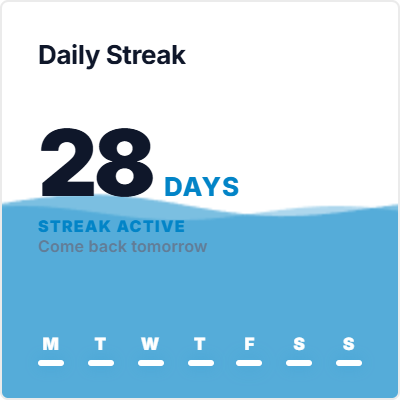
Build unbreakable consistency for your most important daily habit. The Streak Tracker calculates consecutive days active, displays visual streak flames, and records your all-time longest streak milestone.
Customize Streak Tracker in Studio →
4. Life & Year Progress Tracker
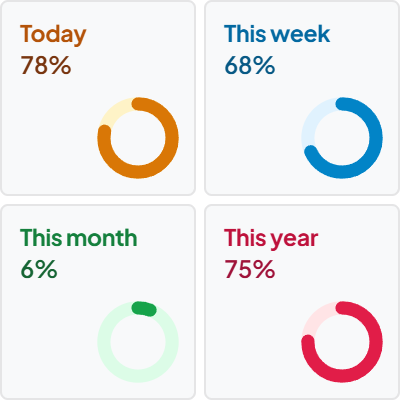
Gain immediate perspective on time with animated percentage progress bars tracking the current day, week, month, quarter, and calendar year. Serves as a powerful philosophical anchor for quarterly reviews and daily motivation.
Customize Life Progress Tracker in Studio →
5. Event & Deadline Countdown Timer
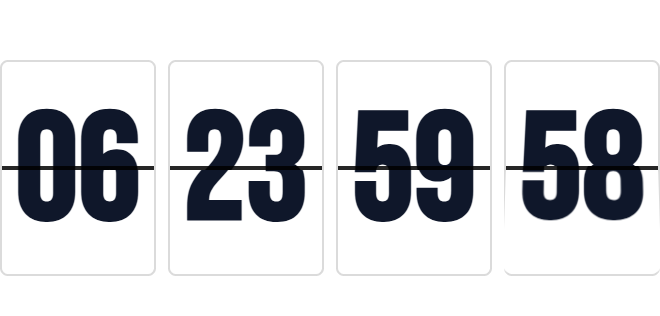
Keep critical milestones and project launch dates top of mind. The Countdown Timer renders mechanical flip cards tallying down days, hours, minutes, and seconds until your target event with celebration states.
Customize Countdown Timer in Studio →
6. Interactive Aesthetic Sticky Notes
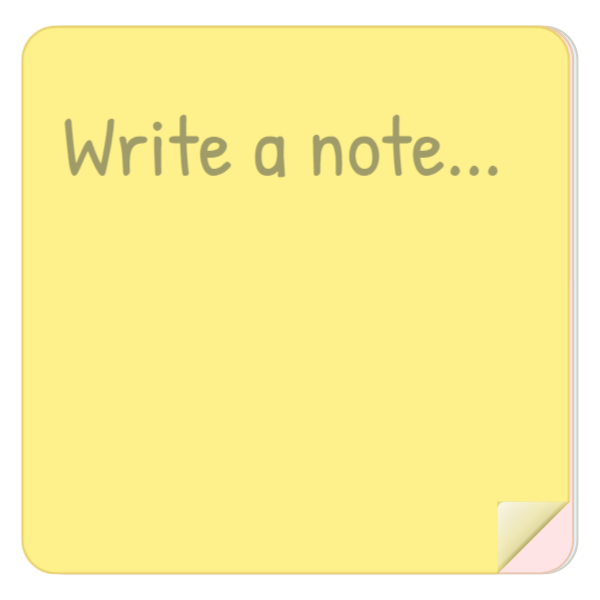
A virtual desk sticky note for quick thoughts, phone numbers, or immediate reminders that do not warrant a full database entry. Features textured paper styling, auto-saving text, and distraction-free editing.
Customize Sticky Notes in Studio →
7. Deep Work & Study Time Tracker
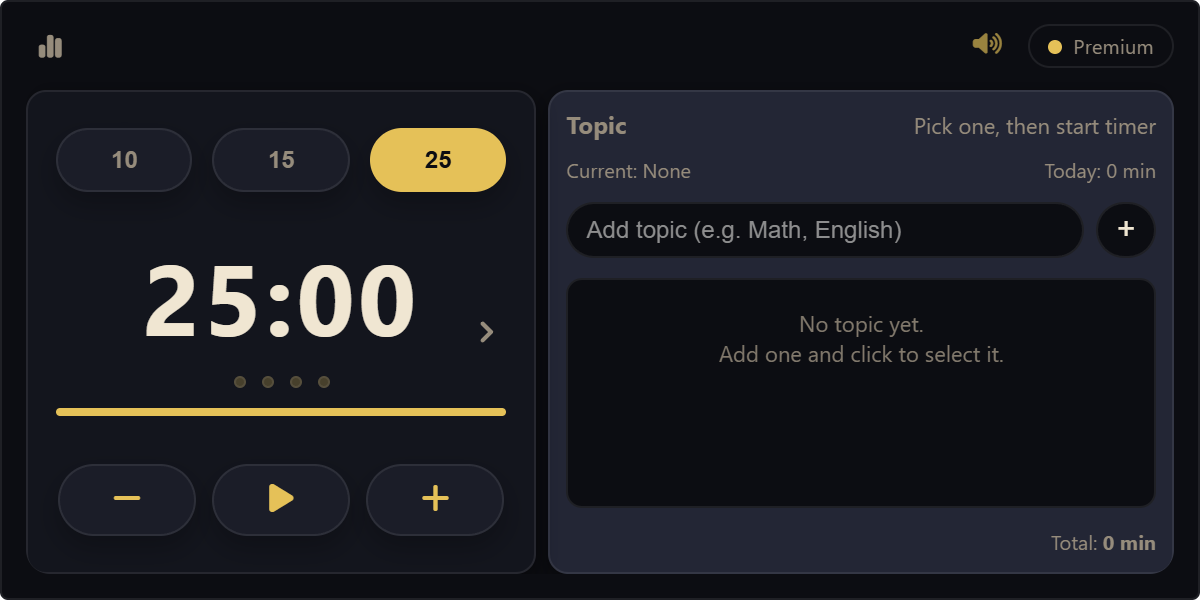
A comprehensive time-logging station for students, researchers, and knowledge workers. Tracks daily active focus hours, logs study sessions, and displays weekly visual distribution graphs right on your dashboard.
Customize Study Time Tracker in Studio →
How to Add Productivity Widgets to Your Notion Dashboard
- Pick and Customize: Select your widget in ilovewidgets Studio, configure your custom timer durations or habit labels, and copy the embed link.
- Embed in Notion: Type
/embedanywhere on your Notion page, press Enter, and paste your copied link. - Drag to Resize: Use Notion’s bounding box handles to resize the widget to your target column width. The widget adapts seamlessly with zero overflow.
Looking for more ways to customize your workspace? Check out our guides on the Best Clock Widgets for Notion, Best Notion Calendar Widgets, and How to Embed Widgets in Notion.