8 Best Notion Calendar Widgets (Free & Aesthetic)
Review the best aesthetic calendar widgets for Notion in 2026. Featuring Google Calendar embeds, minimal month views, and weekly agendas.

While Notion features powerful native database calendar views, they are often too dense or expansive when all you need is a clean visual date reference or a lightweight weekly agenda to anchor your dashboard sidebar.
Interactive Notion calendar widgets bridge this gap. They deliver minimal, aesthetic month overviews, live Google Calendar synchronization, and focused daily date cards that harmonize with your workspace without demanding complex database rollups.
Here is a curated guide to the 8 best Notion calendar widgets, complete with live customization links.
1. Minimal Month View Calendar
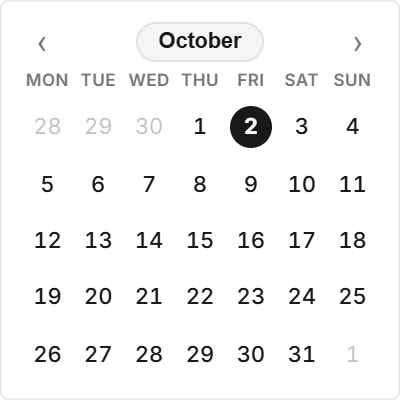
A clean, distraction-free monthly grid engineered for daily personal planning. It highlights the current day with a crisp circular accent, provides quick month-to-month navigation arrows, and maintains balanced margins on light and dark dashboards.
Customize Minimal Month View in Studio →
2. Weekly Agenda Planner
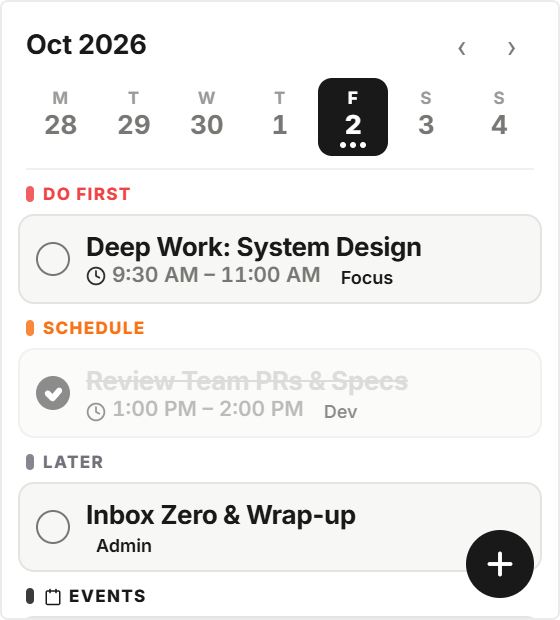
Designed for users who plan in 7-day sprints. The Weekly Agenda Planner maps out Monday through Sunday with individual day columns, date headers, and prioritized task checkpoints.
Customize Weekly Agenda in Studio →
3. Aesthetic Google Calendar Embed
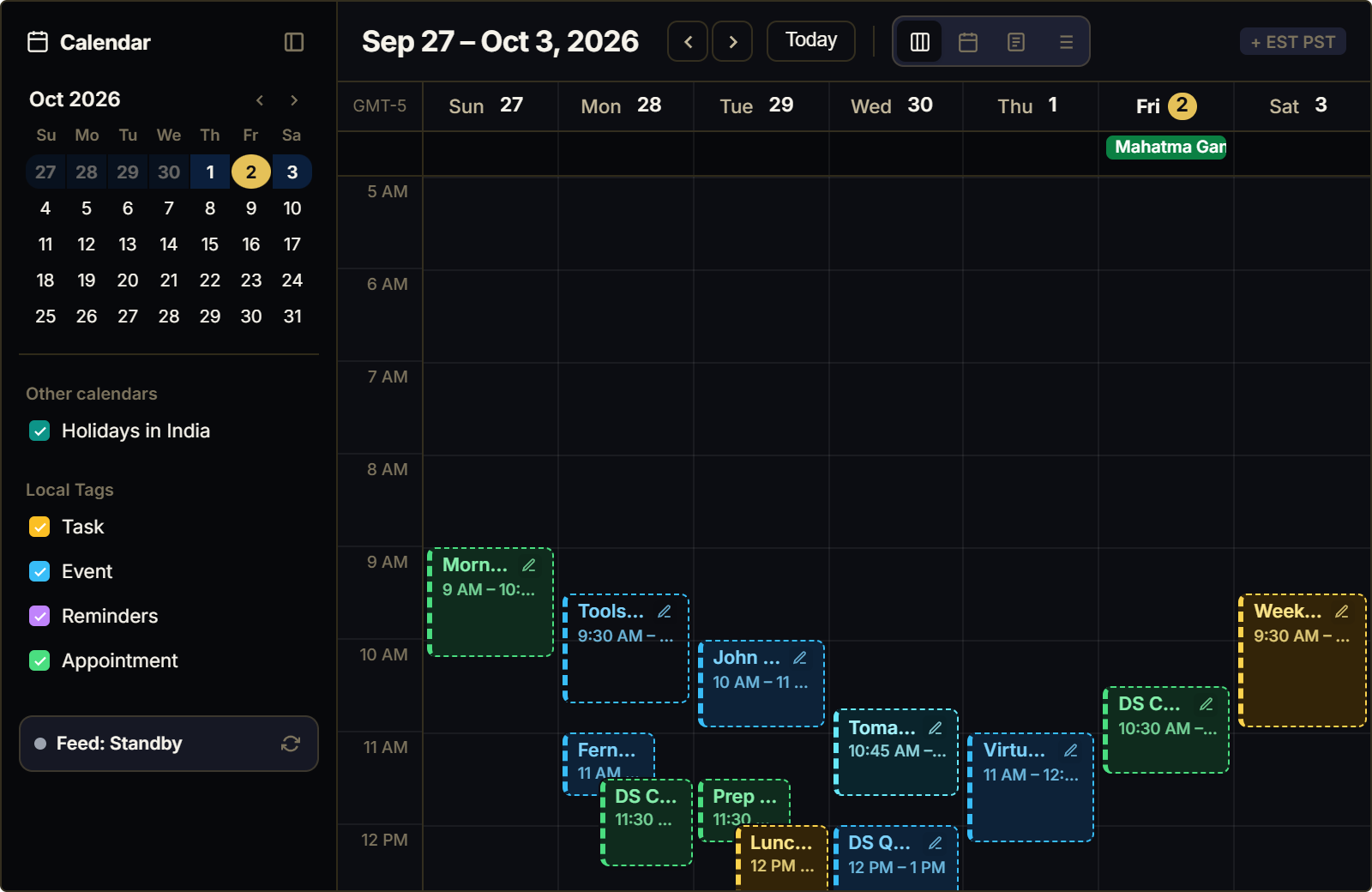
Standard Google Calendar iframe embeds look dated and clash with Notion’s modern styling. The ilovewidgets Google Calendar widget wraps your live Google events in a customized, dark-mode native interface with custom typography and accent colors.
Customize Google Calendar in Studio →
4. Swiss Poster Typographic Calendar
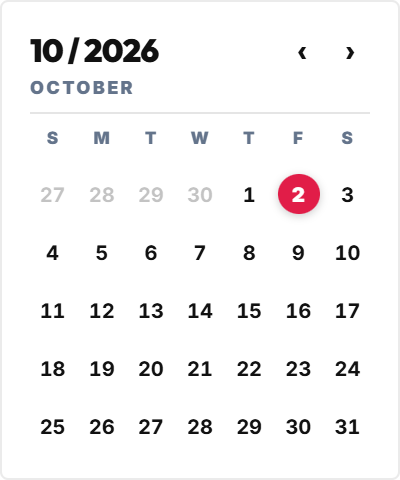
Drawing inspiration from International Typographic Style (Swiss Style), this calendar showcases oversized month abbreviations, bold numerals, and precise grid geometry. It functions as both a functional calendar and a piece of modern graphic art.
Customize Swiss Poster Calendar in Studio →
5. Scenic Photo Ambient Calendar
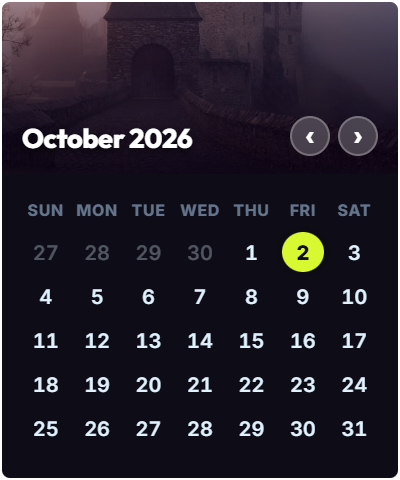
Pairs a functional monthly calendar grid with a curated, rotating landscape photograph banner. It introduces warmth and outdoor scenery to digital workspaces without visual clutter.
Customize Scenic Photo Calendar in Studio →
6. Daily Date Desk Pad Card
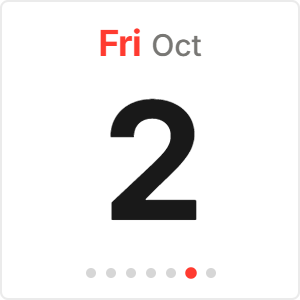
Modeled after a traditional tear-off paper desk calendar. Displays the day of the week, oversized current date number, and full month in an ultra-compact footprint.
Customize Daily Date Card in Studio →
7. Arc Radial Orbital Calendar
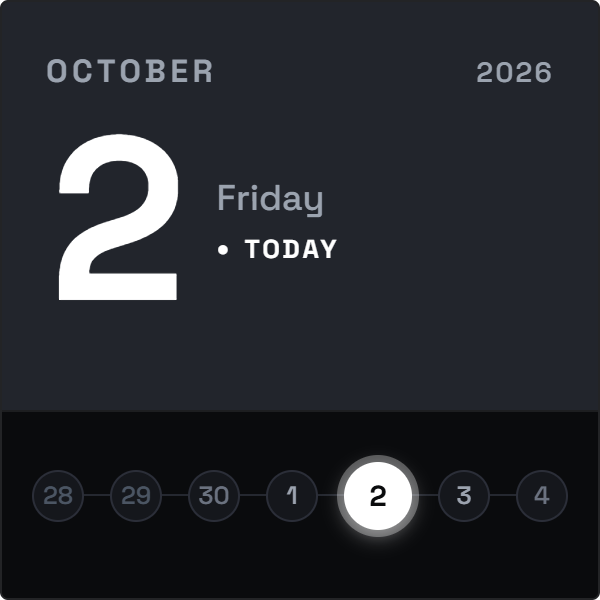
A unique circular time-progression calendar that represents the passage of days through an elegant radial progress gauge. As the month advances, the illuminated perimeter track fills toward completion.
Customize Arc Radial Calendar in Studio →
8. Integrated Calendar & Task Checklist
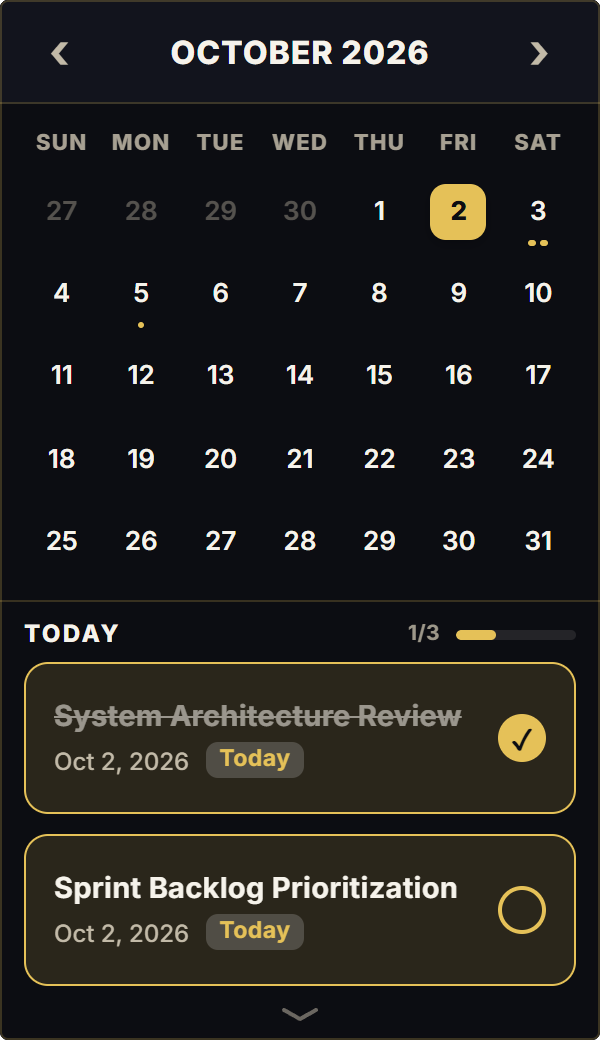
A dual-purpose productivity widget that pairs a functional mini calendar with a quick-capture checklist beneath it. Ideal for keeping immediate priority tasks top of mind without opening a heavy database view.
Customize Calendar & Tasks in Studio →
How to Add Calendar Widgets to Notion
- Customize Settings: Open your selected widget in ilovewidgets Studio, set your preferred starting day of the week (Monday or Sunday), choose your theme, and click Copy Embed Link.
- Embed in Notion: On your Notion page, type
/embed, press Enter, and paste the link into the URL field. - Resize Cleanly: Drag the side corner handles to adjust the column width. The widget centers automatically without horizontal scrollbars.
For step-by-step column layout formatting, read our guide on How to Embed Widgets in Notion. To discover aesthetic clocks and focus timers to complement your calendar, explore our roundups of 10 Best Aesthetic Notion Clocks and Best Notion Productivity Widgets.