The Creator Studio Trap: Escaping the Algorithmic Rabbit Hole
Every serious YouTuber knows the compulsive urge to open the YouTube Studio app twenty times a day to check subscriber counts and view velocity. However, Studio is an algorithmic minefield designed for deep analytics, not quick grounding.
Opening the native app exposes you to fluctuating click-through rates, retention dips, and distracting video recommendations that trigger creative anxiety and interrupt deep production focus.
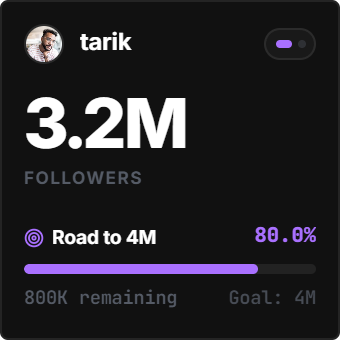
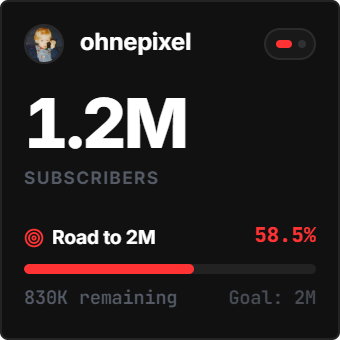
Embedding the YouTube Creator Radar inside your Notion production dashboard isolates the metric that matters most: your ongoing community milestone runway, completely stripped of algorithmic noise.
The Psychology of Visible Milestones: The Goal Gradient Effect
In behavioral psychology, Clark Hull's Goal Gradient Effect proves that human effort accelerates as the distance to a visible objective shrinks.
Seeing a live progress bar steadily fill toward 10K, the 100K Silver Creator Award, or the 1M Gold Creator Award turns abstract subscriber counts into an immediate, motivating sprint.
Positioned alongside your video script databases and release calendar, the radar connects daily filming effort directly to long-term audience compounding.
4 Creator Frameworks for Notion Video Command Centers
The Script-to-Sub Milestone Link
Embed the radar directly above your active video Kanban board so every writing and editing sprint is visually anchored to channel growth.
The Benchmark Battle Mode
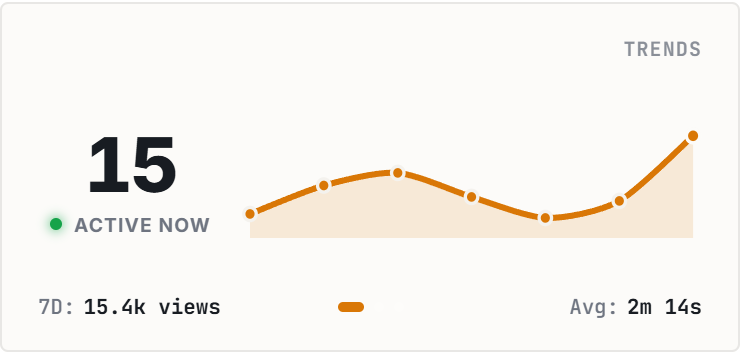
Configure a friendly competitor or niche peer handle in Battle Mode to observe comparative 7-day momentum and identify breakout topics.
The 100K Silver Runway Sprint
Set a custom milestone target to calculate required monthly velocity for the YouTube Creator Award, pacing your quarterly upload schedule.
The Low-Distraction Obsidian Station
Select the Obsidian Noir palette to match dark Notion workspaces, keeping late-night video editing sessions calm and glare-free.
Architectural Breakdown: Live YouTube Radar vs. Static Notion Database Trackers
Why dedicated live creator radar widgets outperform manual database formulas:
Database Tables & Records
Best for deep historical storage, relations, and structured records