Broadcaster Focus: Separating Analytics from On-Air Energy
Live streaming demands absolute mental presence: entertaining chat, maintaining commentary rhythm, and monitoring game state. Checking the Twitch Creator Dashboard mid-broadcast breaks your energy and invites anxiety over temporary viewer dips.
Top broadcasters review metrics offline during structured pre-stream prep and post-stream debriefs, keeping the actual broadcast focused 100% on community connection.
Embedding the Twitch Streamer Radar inside your offline Notion preparation notes gives you instant follower awareness without cluttering your broadcast OBS monitor.
The Path to Affiliate and Partner: Visible Community Runways
The journey from zero to Twitch Affiliate (50 followers) and Partner (1,000+ followers) requires consistent broadcasting over months. On slow days, it is easy to lose perspective.
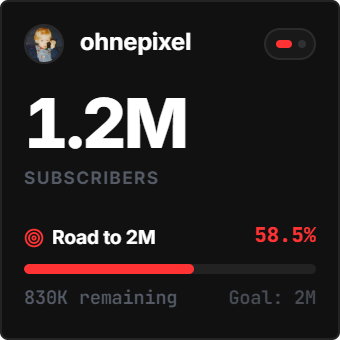
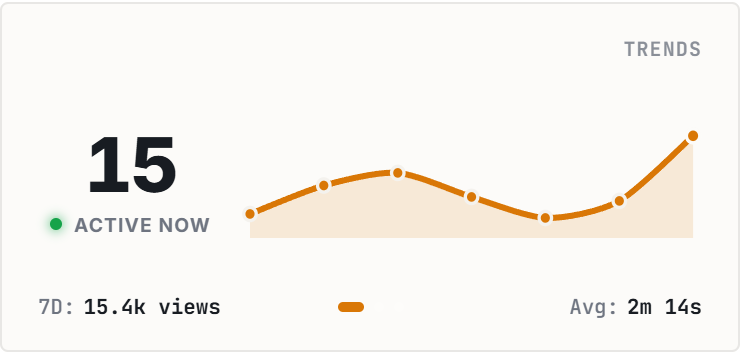
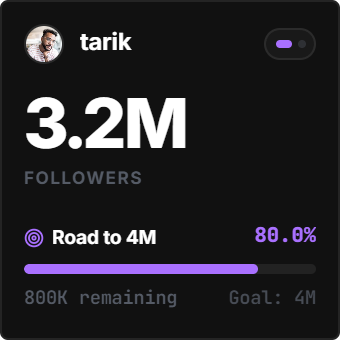
The Streamer Radar transforms the grind into visible milestones: a live progress bar shows your exact percentage completion toward the next milestone tier, paired with a smooth Catmull-Rom velocity graph.
Seeing your community build week-over-week reinforces positive reinforcement and guards against creator burnout.
4 Streamer Workspace Strategies for Notion
The Pre-Stream Checklist Anchor
Position above your stream schedule and sponsor talking points for an instant channel health check during pre-flight audio and OBS tests.
The Category Benchmark Battle
Benchmark alongside a peer streamer in your gaming directory to observe relative momentum and schedule raid handoffs effectively.
The Weekly Debrief Log
Review follower trajectory curves every Sunday night alongside VOD notes to evaluate which special community events drove peak conversion.
The Stream Deck Secondary Display
Open your Notion notes on an iPad or secondary monitor with the Twitch radar visible for silent, ambient time and follower awareness.
Architectural Breakdown: Twitch Streamer Radar vs. Manual Notion Trackers
Why automated Twitch streaming telemetry outperforms manual spreadsheet logging:
Database Tables & Records
Best for deep historical storage, relations, and structured records