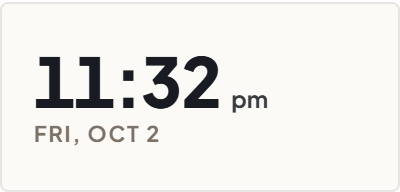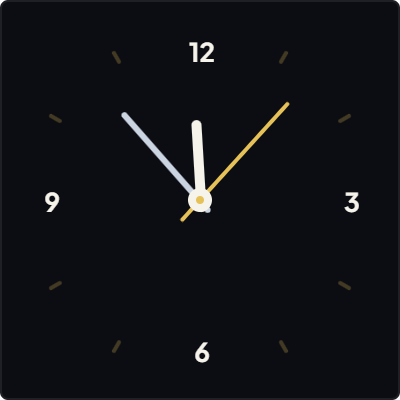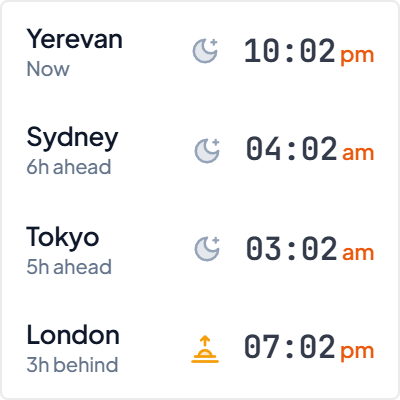
The Horological Soul of Split-Flap Displays
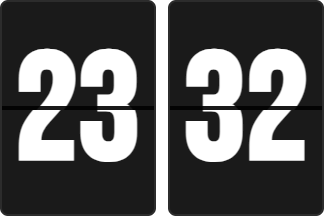
In 1965, Italian designer Gino Valle and clockmaker Solari di Udine introduced the Cifra 3, a minimalist table clock that revolutionized temporal design through physical split-flap leaves. The soothing mechanical flip became an enduring cultural icon across mid-century European railway stations, airport departure halls, and executive offices.
Unlike hyperactive smartphone displays that flash millisecond updates and ping you with cognitive interruptions, the slow, rhythmic cadence of split-flap tiles provides a tactile sense of passing time. Each minute feels tangible and deliberate.
When a tile drops, it marks a genuine progression of effort rather than an ephemeral pixel shift. Embedding a split-flap clock into your Notion workspace introduces this serene, grounding physical rhythm to an otherwise sterile digital canvas.
Peripheral Temporal Anchoring: Focus Without Distraction
A frequent productivity trap in knowledge work is checking your phone or browser menu bar for the current time. Smartphones are attentional minefields: glancing at the lockscreen to verify the hour frequently leads to unread messages, social feeds, and broken concentration.
A dedicated flip clock embedded inside Notion acts as an ambient peripheral anchor. Positioned quietly in your page margin or sidebar, it allows you to register the time with a subconscious 50-millisecond glance, keeping you locked in flow state.
Our Flip Clock widget offers dual-orientation versatility: use the classic horizontal split card on wide dashboard headers, or collapse into the compact vertical twin card for slim 200px Notion sidebar columns.
4 Rules for Flip Clock Mastery in Notion
The Top-Left Chrono Anchor
Position the flip clock in the upper-left sidebar column of your Daily Life OS. Glancing to the corner gives you immediate time orientation before opening task databases.
The 24-Hour Military Timebox
Switch the widget to 24-hour format during sprint sessions. Eliminating AM/PM ambiguity reinforces daily countdown discipline and afternoon urgency.
The Low-Luminance Obsidian Rig
Select the Obsidian Noir palette with cream numerals for evening writing. It eliminates harsh blue light and prevents eye strain during late-night planning.
The Dual-Card Vertical Stack
Switch to vertical orientation in narrow 220px Notion sidebars to maximize vertical rhythm without crowding your primary project checklist.
Architectural Breakdown: Dedicated Flip Clock vs. Notion Database Formulas
Why a dedicated mechanical flip clock widget outperforms static Notion formula workarounds:
Formula Properties & Rollups
Requires custom property formulas and rollup configuration