Cognitive Legibility: The Power of Monospaced Digital Time
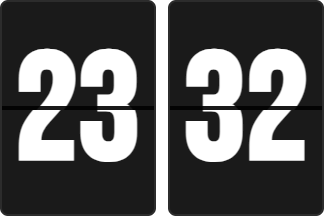
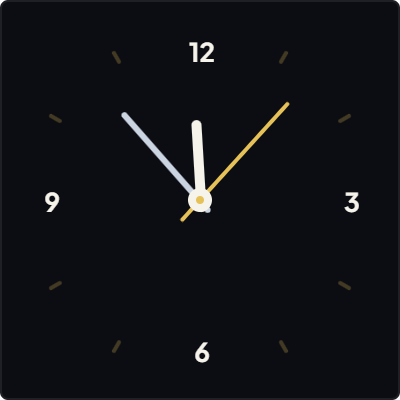
Digital time display eliminates mental decoding. Unlike reading hands on an analog dial, a digital readout communicates time in under 50 milliseconds with zero ambiguous angles.
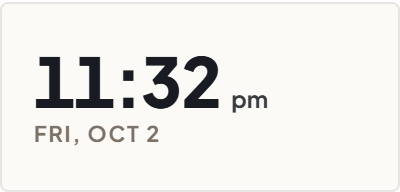
Our Digital Clock is crafted with Swiss typography principles: monospaced tabular numerals prevent annoying character jitter as numbers increment, while generous tracking delivers crisp readability across the room.
Stripped of gaudy bezels and skeuomorphic drop shadows, the clock acts as pure information architecture on your Notion canvas.
Temporal Pacing: Using Seconds for Focused Execution
When executing high-stakes sprints or time-boxed tasks, seeing seconds advance builds a subtle pulse of forward momentum. It turns abstract minutes into a visible runway of action.
Conversely, for reflective journaling or long-form writing, ticking seconds can introduce unnecessary urgency. In the Live Customizer, seconds can be hidden with a single click to create a calm, static temporal anchor.
The widget fluidly adapts to any Notion column width, maintaining sharp vector clarity whether embedded in a 200px sidebar or stretched across a full-width header banner.
4 Strategies for Digital Clock Workspace Architecture
The Morning Dashboard Header
Place the digital clock as a bold headline element above your daily task list to anchor morning planning sessions with exact temporal clarity.
The Seconds-Free Zen Setup
Hide seconds during deep writing blocks to eliminate visual motion from your peripheral vision and protect deep focus.
The Dual-Zone Notion Duo
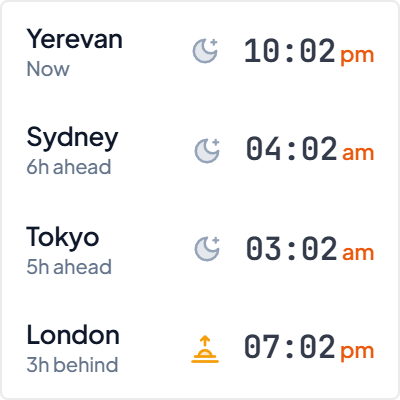
Stack two digital clocks in a 2-column layout to monitor both your local time and your remote client or distributed engineering team timezone.
The High-Contrast Header Pill
Pair the Obsidian Noir theme with crisp emerald or white digits to create an authoritative command terminal look for technical docs.
Architectural Breakdown: Live Digital Widget vs. Notion Formula Clocks
Why dedicated client-side digital clocks provide a superior experience compared to database formula workarounds:
Formula Properties & Rollups
Requires custom property formulas and rollup configuration