The 2% Dehydration Penalty: How Water Directly Dictates Brainpower
Clinical research from the University of Connecticut's Human Performance Laboratory reveals that even mild dehydration (as little as a 1.5% drop in bodily water volume) causes measurable fatigue, headaches, decreased working memory, and heightened task anxiety.
In desk work, we habitually mistake thirst for hunger or mental exhaustion, reaching for another sugary snack or afternoon espresso rather than essential hydration.
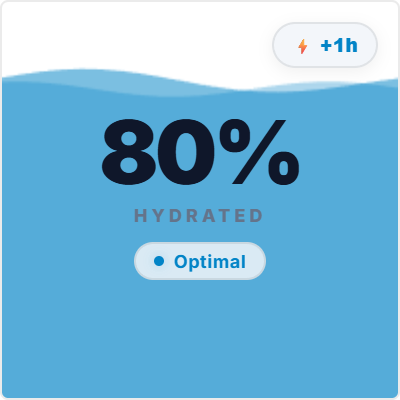
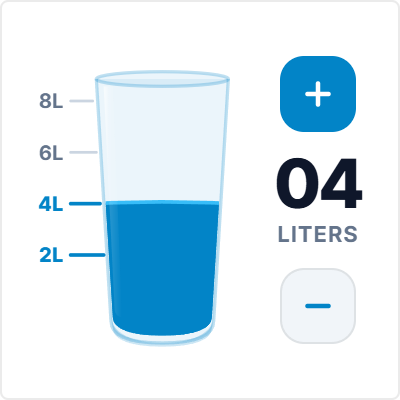
The Daily Water Tracker provides an ambient visual reminder on your Notion daily dashboard, turning daily hydration into an effortless, rewarding habit.
Frictionless Logging: 1-Tap Intake Over Complex Apps
Commercial mobile hydration apps require opening your phone, clicking through ads, selecting vessel categories, and typing exact milliliters. This friction inevitably causes users to abandon tracking within two weeks.
This widget features direct, zero-lag 1-tap buttons (+250ml glass, +500ml bottle) embedded directly inside your workspace. When you take a sip at your desk, one click updates your visual intake bar.
Integrates seamlessly at the top of daily planners, work sprint stations, and habit tracker columns.
4 Daily Hydration Strategies for Notion
The Morning 500ml Jumpstart
Drink half a liter of water immediately upon waking to rehydrate cellular tissues after 8 hours of sleep.
The Pomodoro Hydration Sip
Drink one 250ml glass at the start of every 5-minute Pomodoro break to maintain continuous fluid intake.
The Afternoon Slump Antidote
Drink a tall glass of cold water before considering an afternoon caffeine top-up to assess true fatigue.
The Desk Bottle Visual Pair
Match the widget's target volume to your physical desk water bottle (e.g. two 1L bottles per workday).
Architectural Breakdown: Daily Water Tracker vs. Standalone Mobile Apps
Why frictionless in-Notion water logging outperforms notification-heavy mobile apps:
Third-Party Apps & Tabs
Context switching, external logins, and notifications